Diamond PVP – Skin Pack
- 1-06-2026, 03:34
- 303

Diamond PVP - here are only selected diamond style player skins for Minecraft PE. Diamond PvP Skin Pack steps in to fix that rookie look with an intimidating lineup of iced-out, battle-ready designs built specifically for Bedrock duelists.
Anyone who spends their Friday nights grinding duels or clutching 1v4 encounters on competitive servers knows that aesthetics carry weight. Your skin is the first thing an opponent registers while bridging across the void, and running around in a generic skin makes you look like easy loot. This collection leans heavily into that aggressive, high-tier ranked vibe by fusing deep obsidian blacks and dark streetwear fabrics with vibrant diamond-blue accents. You get clean glowing visors, iced-out gloves, armored tactical vests, and stealthy hoodies that scream competitive sweat before the pre-game countdown timer even hits zero.
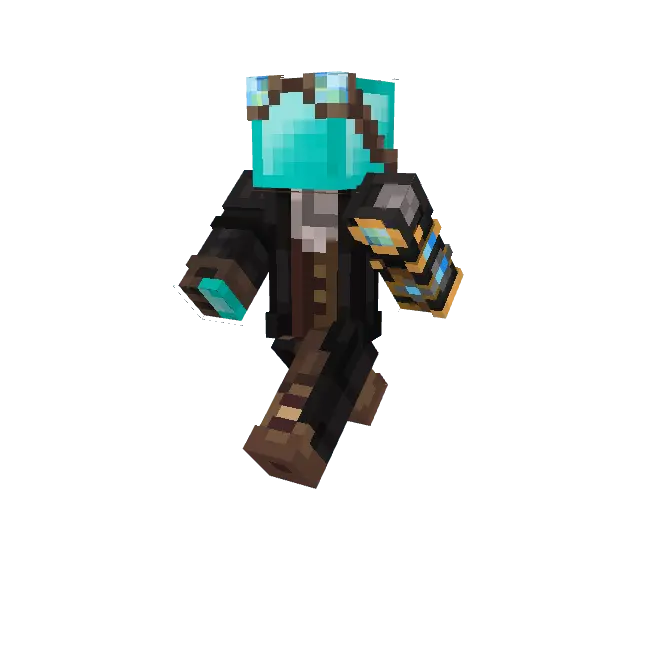
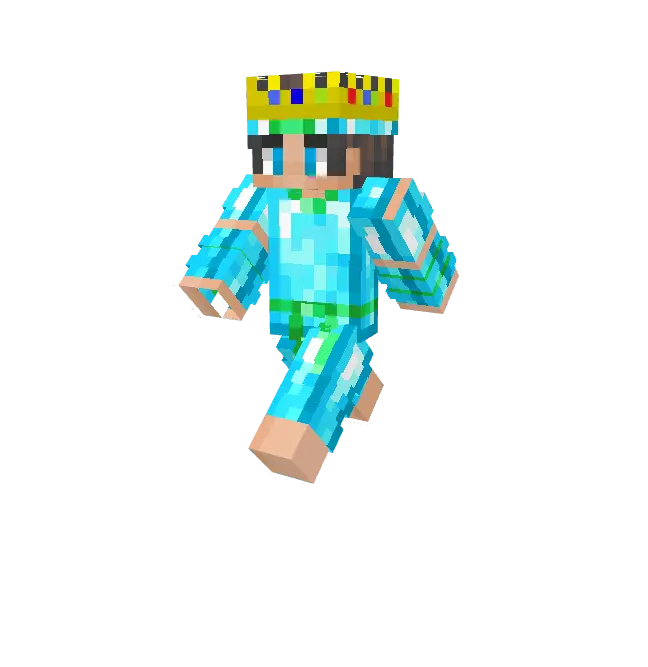
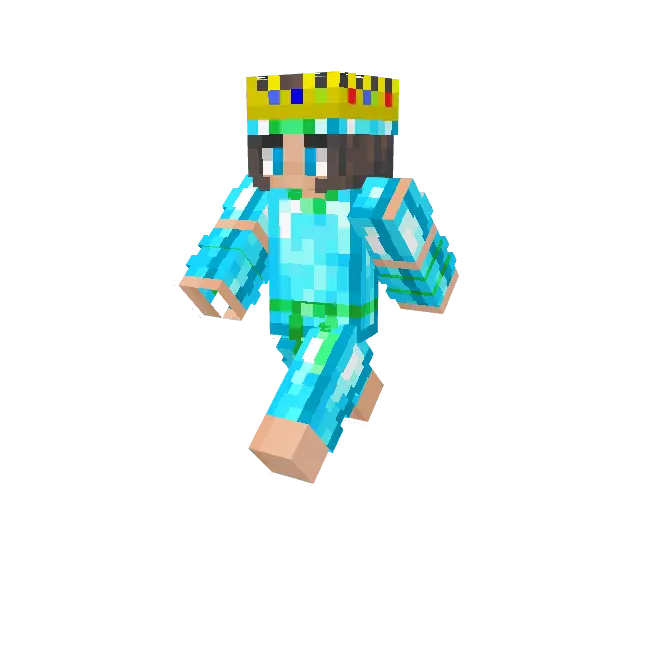
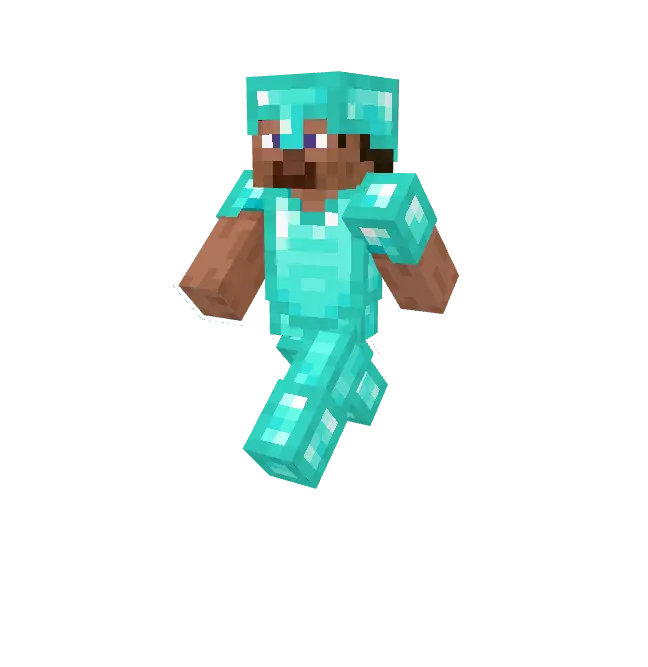
What makes these outfits stand out during frantic close-quarters skirmishes is the razor-sharp pixel economy. A lot of custom character models look great in a static preview, only to turn into a messy, distracting blur the moment you start sprint-jumping, jitter-clicking, and turning your camera at high sensitivity. These skins avoid messy clutter by keeping color palettes tight and contrasts deliberate. That high-contrast cyan highlight across the shoulders and boots gives your character a distinct silhouette against cobblestone arenas, Nether fortresses, and sandstone rush lanes without muddying up your field of view during intense melee exchanges.
Form factor also plays a huge role in how responsive your movement feels. The pack offers clean model cuts that complement both classic and slim three-pixel arm setups. Serious Bedrock tournament grinders constantly favor slim arm profiles because thinner forearm models cover less screen real estate during bow drawing, sword blocking, and rapid-fire scaffolding. When you are tracking an opponent strafing around your crosshair, having minimal visual obstruction on the periphery helps you maintain tracking accuracy and lock in nasty combo chains.
Beyond the raw mechanical perks, stepping into a custom server rocking premium diamond drip provides an undeniable mental edge. When you sprint down a central bridge in SkyWars looking like an arena boss, hesitant squads often backpedal or mistime their counter-rushes. It creates immediate presence inside lobby queues, signaling to other players that you actually know your w-taps, knockback resets, and inventory hotkeys. Whether you run with a regular squad on the Hive or queue solo into sweaty community deathmatches, having a unified, diamond-clad identity makes every victory screen look considerably cleaner.
Importing the roster directly into your Bedrock dressing room takes just a couple of clicks, giving you instant access to swap between aggressive dark styles and brighter icy variants depending on your mood. Since every design respects standard skin parameters without breaking into banned third-party geometries, you can take them into official featured networks without worrying about server kicks or visual glitches. It is a focused, polished cosmetic bundle that gives competitive players the sharp visual flair needed to dominate the arena with confidence.
How to Install Skins in Minecraft Bedrock
- Download a .png skin (64×64 or 128×128).
- Open Minecraft Bedrock.
- Go to Profile (hanger icon) → Edit Character.
- Tap Owned → Import → Choose New Skin.
- Select your .png file.
- Pick a model: Classic (Steve) or Slim (Alex).
- Confirm to equip and play.
Comments (0)