Legend Minecraft Skins
- 6-06-2026, 03:34
- 439

Download the best and Legend Minecraft Skins collected in this skin pack. Here are only selected and best bedrock skins.
Commanding respect the moment you step foot inside a crowded hub starts with your fit, and the Legend Minecraft Skins pack completely redefines what it means to look top-tier across Bedrock servers.
Too many players treat their character model like an afterthought, settling for washed-out default edits or muddy dark outfits that turn into indistinguishable pixels the moment shadows hit. Finding cosmetics that project pure dominance while keeping clean visual fidelity is rare in community catalogs. That is where this collection shines, serving up an elite wardrobe of mythical champions, ancient warriors, and modern gaming legends designed to make everyone in your matchmaking queue immediately question who they just matched against.
The standout factor here is the craftsmanship in the micro-shading and contrast balance. Most high-fantasy skins make the mistake of overcomplicating patterns until your player looks like visual static, but these textures utilize Bedrock’s outer layer to perfection. You get heavy, battle-tested armor plates, layered runic cloaks, glowing crown motifs, and refined leather straps that cast natural three-dimensional shadows over the base model. The facial detailing carries that cold, veteran swagger, featuring piercing highlighted eyes and defined hair strands that look hand-crafted rather than stamped out of a generic skin editor template.

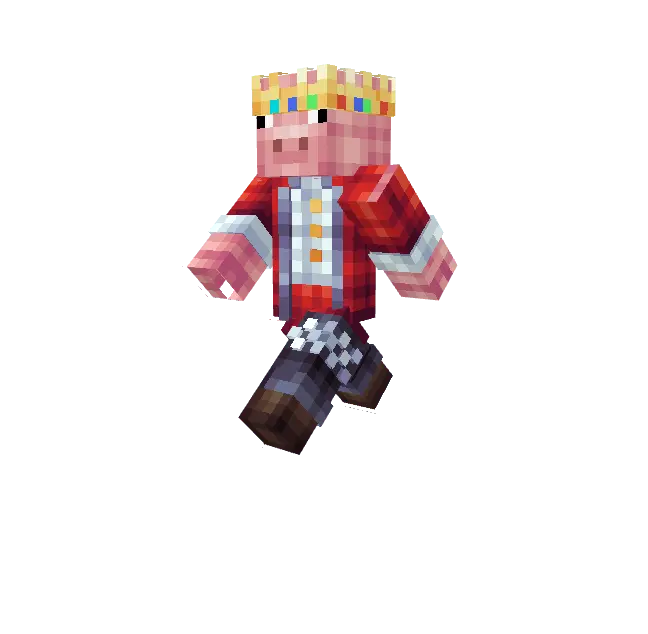
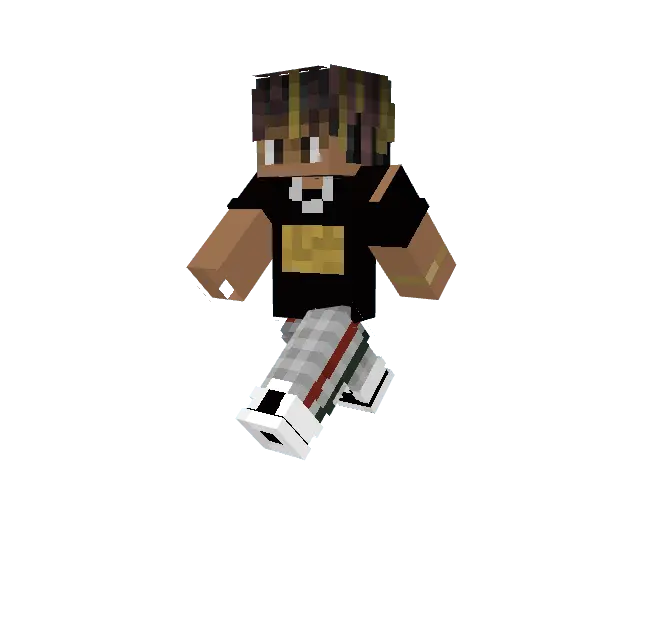
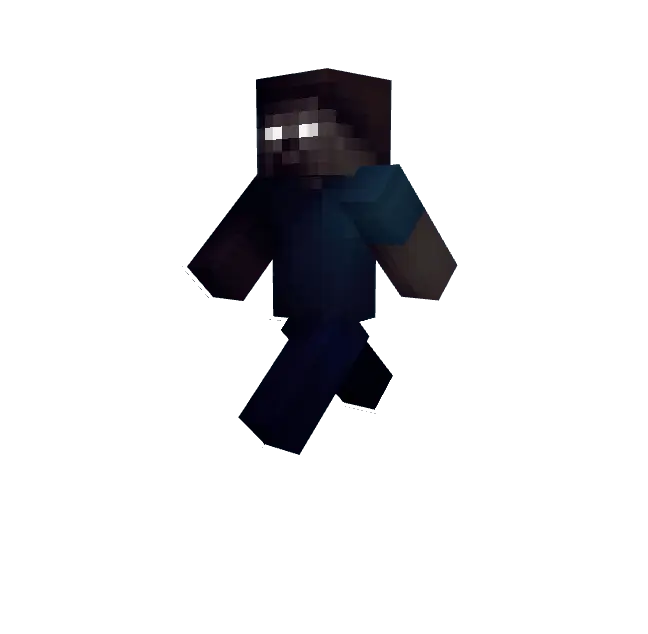
Taking these fits onto competitive arenas like The Hive or custom SkyWars tournaments completely changes your presence in the lobby. When you are timing your sprint-resets on a one-block stone bridge or baiting opponents into bad trades near center, having a regal, armored silhouette gives your character heavy visual weight. The high-contrast palette makes your strafes look razor-sharp, letting you track your own hitbox cleanly without acting like a blinding beacon across long-range sniper sightlines. Your rivals will know right away that the person rushing their diamond gen is not some random solo-queue casualty.
Survival realm junkies and hardcore SMP grinders will find tons of value here too. If your world is stacked with towering gothic castles, ancient trial chambers, or Nether fortresses repurposed into endgame bases, rocking a legendary warlord or mystic royal fit just feels right. The variety across the pack offers multiple interpretations of legendary archetypes, allowing your entire survival crew to adopt unified mythical themes without anyone having to clone the exact same skin file. It is the easiest way to give your group screenshots and cinematic world tours that authentic endgame finish.
On the technical front, everything runs like an absolute dream across all platforms. Built entirely on standard vanilla biped geometry, you get zero hitbox weirdness, zero camera clipping with diamond or netherite chestplates, and zero frame drops on mobile touchscreens, handheld consoles, or high-refresh PC monitors. The textures stay crisp and readable whether you are caught in the blazing midday sun of a badlands biome, lurking in the pitch-black deepslate layers, or running complex shader packs. If your current skin lineup feels completely forgettable and you want to roll into your next session looking like an untouchable champion, gearing up with the Legend Minecraft Skins is the cleanest flex you can make.
Quick guide: How to install this Minecraft skinpack
Downloaded the .mcpack file? Here is exactly how to get it into your game depending on what device you are using right now.
- On Windows or Android: Just click or tap the downloaded file twice. Minecraft will open up on its own and load the skins immediately.
- On iPhone or iPad: Save the file, open your Files app, and hold your finger on it. Hit Share, select Minecraft from the list, and the game will handle the rest.
To put the skins on, just open Minecraft, head over to the Dressing Room (Profile), click on Classic Skins on the left, find this pack under Owned, and tap Equip.
Comments (0)