Night PvP – Skin Pack
- 6-06-2026, 07:42
- 293
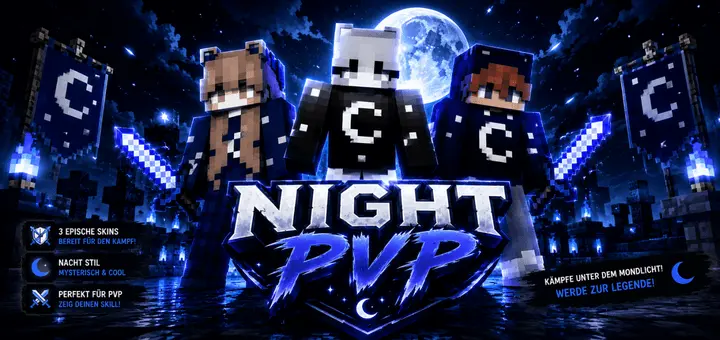
Night PvP - themed skins made in the Night style for the PVP mode of the Minecraft game. Nothing screams easy target in competitive Minecraft Bedrock arenas quite like rolling into a sweaty duel rocking blinding neon colors, which is why the Night PvP Skin Pack takes the exact opposite route to give your competitive avatar that razor-clean nocturnal swagger.
Stepping into high-stakes matchmaking on servers like The Hive or custom competitive SMPs with an overly saturated, rainbow-colored skin is practically begging opponents to lock onto your character model from across the map. When you are sweating out tense rounds of SkyWars, Bridge duels, or high-tier Bedwars, you need a look that feels disciplined, sharp, and stealthy without melting into a low-effort blob of pure black pixels. This battle-tailored cosmetic drop nails that sweet spot by leaning into a rich lunar aesthetic, draping your player model in dark midnight blues, cosmic starfield textures, and pale moonlight highlights that look downright lethal under server lighting.
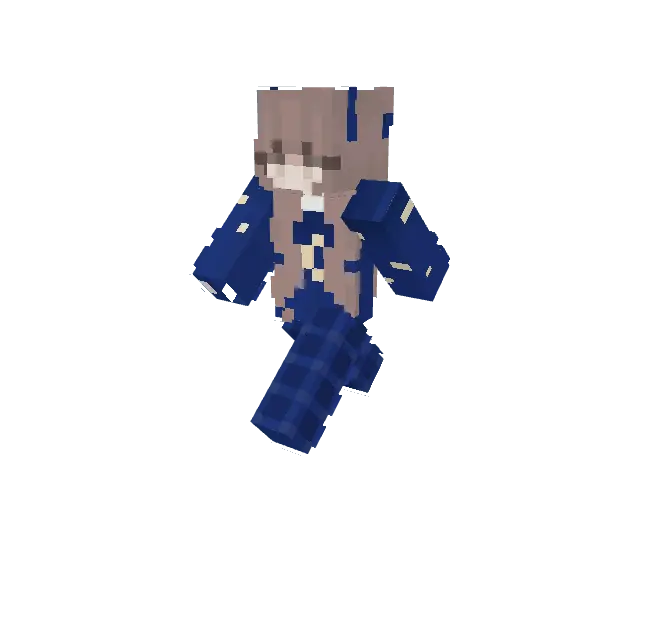
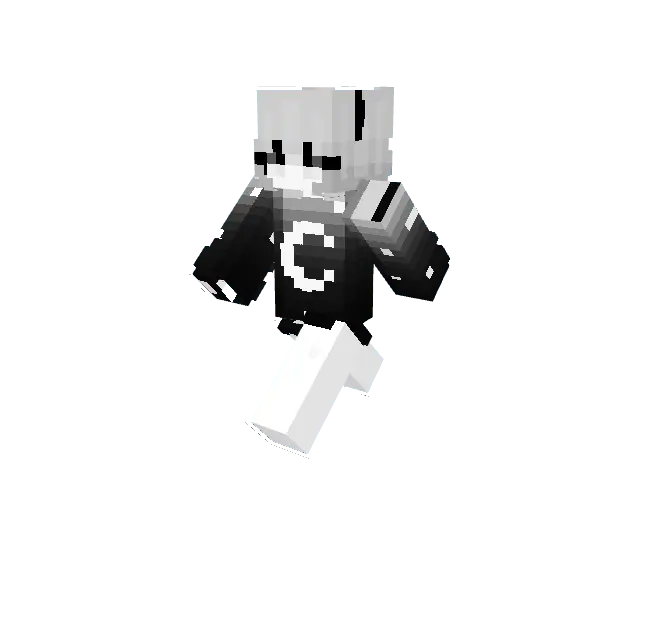
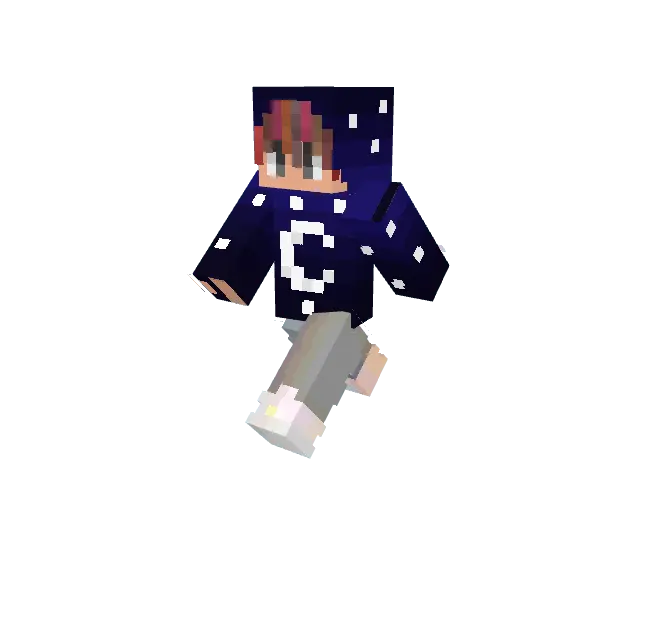
The real genius of this skin bundle is in the pixel shading and high-contrast accents. Instead of feeling flat and muddy like typical dark community skins, the layered details pop with tactical style. You get a vicious blue night fighter sporting layered combat straps, a lunar-themed moon warrior rocking stark monochrome contrasts, and a cosmic night hoodie variant dotted with subtle, twinkling starlight gradients. The outer layer depth on the hoods, combat boots, and shoulder guards gives your avatar a bulky, armored silhouette while preserving that agile, swift-striking fighter profile. When you hit sprint-resets or start strafing around an opponent with an iron sword, the dark blue tones blend smoothly with arena shadows, making your directional changes and jump-crits tricky to track in dimly lit indoor spaces or night-cycle maps.
Versatility here goes beyond just minigame queues. If your crew runs an anarchy realm or an underground faction base, running around in these stealth-heavy outfits fits the gritty survival atmosphere way better than goofy meme skins. Creeping through dimly lit caves, navigating deepslate ravines, or holding perimeter guard around a fortified mountain fortress just feels authentic when your player model is draped in dark midnight fabrics. The clean, understated vibe lets you look completely prepared for battle without resorting to goofy oversized demon horns or distracting visual clutter that clogs up your view in first-person camera mode.
Performance across any client is completely flawless. The pack avoids funky 4D geometry or bloated resolution files, strictly utilizing native Bedrock player formatting so your client never suffers a micro-stutter when loading into packed lobbies. Whether you are sweating on mobile touch controls with split-second camera swipes, tracking targets with a wireless gamepad, or clutching combos with high-DPI mouse clicks on PC, your game remains featherlight and buttery smooth. The colors hold their crisp definition without washing out when full-bright settings or custom night-vision packs are turned on. If you want to dump the flashy circus outfits and bring a calm, calculated predator energy to your next PvP session, rocking the Night PvP Skin Pack is the slickest upgrade you can add to your rotation.
Quick guide: How to install this Minecraft skinpack
Downloaded the .mcpack file? Here is exactly how to get it into your game depending on what device you are using right now.
- On Windows or Android: Just click or tap the downloaded file twice. Minecraft will open up on its own and load the skins immediately.
- On iPhone or iPad: Save the file, open your Files app, and hold your finger on it. Hit Share, select Minecraft from the list, and the game will handle the rest.
To put the skins on, just open Minecraft, head over to the Dressing Room (Profile), click on Classic Skins on the left, find this pack under Owned, and tap Equip.
Comments (0)