Whiteout pack – Skin Pack
- 6-06-2026, 08:12
- 472
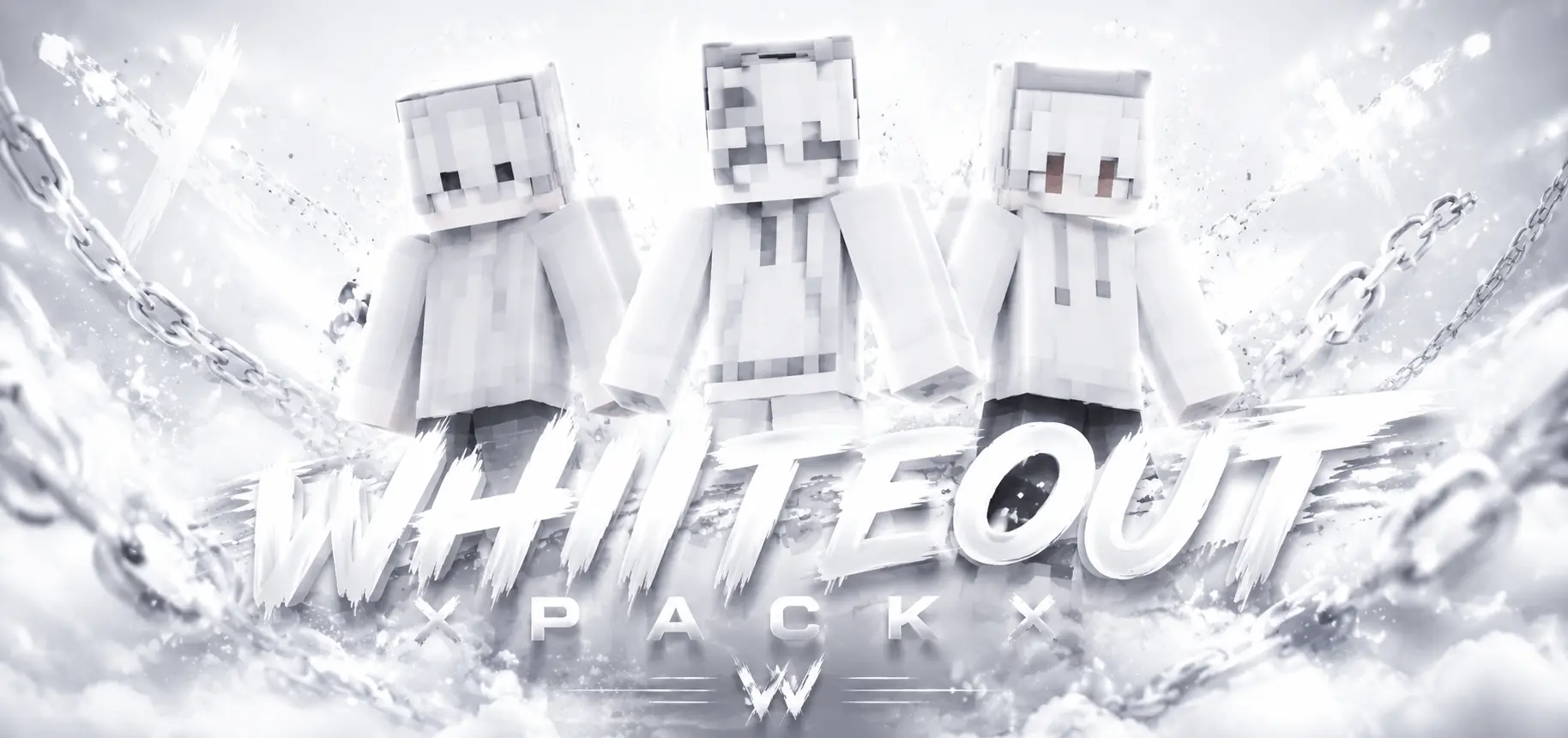
Whiteout pack - download more cool white skins for Minecraft for free. Blinding snowfields and frozen tundras usually make colorful outfits stick out like a neon target, but the Whiteout Pack Skin Pack turns total monochromatic purity into the slickest minimalist drip on Minecraft Bedrock.
Step onto any competitive server hub and you are immediately bombarded by a chaotic circus of hyper-saturated rainbows, muddy neon gradients, and edgy pitch-black demon skins. Going the complete opposite direction with a clean, stark, frost-bleached silhouette hits with ten times the visual impact. This collection tosses out distracting multi-colored clutter and locks into a razor-sharp, winterized palette. It is built for players who want to rock an icy, ghost-like presence that looks genuinely polished from every camera angle, whether you are flexing in a crowded PvP lobby or carving out a sub-zero fortress deep in the snowy peaks.
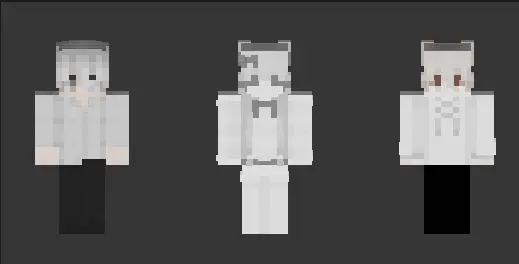
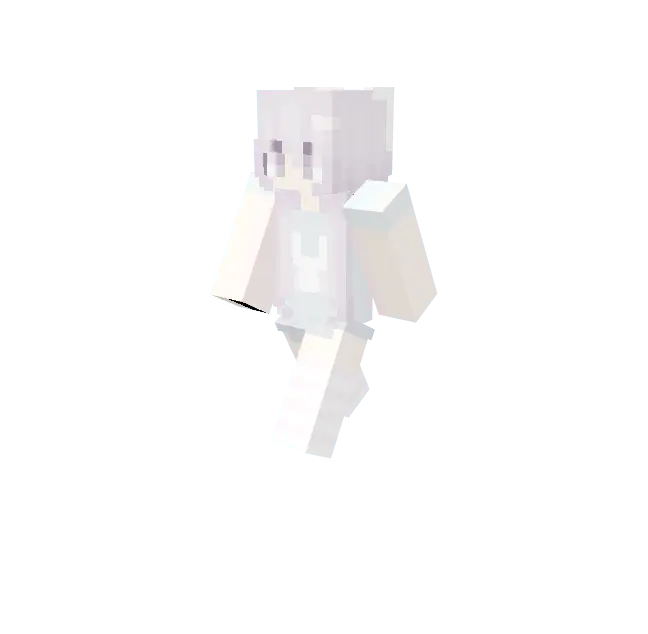
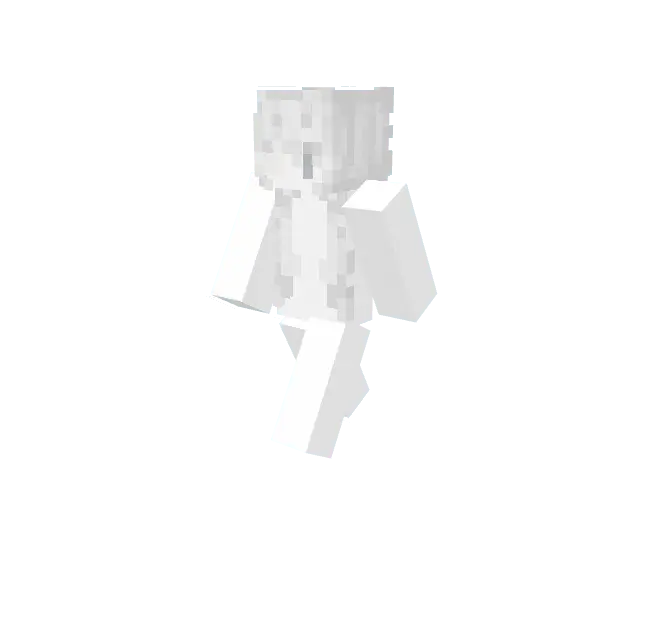

Every character skin across this roster embraces the all-white aesthetic without ever devolving into a flat, boring block of white pixels. The pixel artistry puts serious work into high-contrast micro-shading, subtle cool-gray creases, and crisp white-on-white outer layer details. You get oversized puffer jackets, layered winter streetwear, tactical snow hoods, cold-weather scarves, and futuristic techwear straps that pop with remarkable three-dimensional depth. Some variants feature pale icy eyes, masked faces, and frostbitten hair bangs, giving your player model an enigmatic, arctic assassin aura that feels colder than powdered snow.
Taking these fits into snowy biomes like ice spikes, frozen oceans, and jagged peaks turns your character into an absolute camouflage nightmare. In survival faction servers or competitive hide-and-seek minigames, crouching against snow blocks or sliding past frosted spruce trees lets you blend seamlessly into the environment, breaking line of sight while your opponents waste arrows into empty fog. Over on minigame networks like The Hive or Galaxite, sprinting across a bridge in pure blizzard white feels crisp, fast, and effortlessly modern, signaling to anyone in your lobby that you prioritize clean aesthetics over cheap meme suits.
Roleplay communities and survival builders get a huge visual upgrade out of this wardrobe too. If your home base is carved into an alpine glacier, buried inside a frozen cavern, or perched atop an icy mountain peak, these winter-ready outfits fit the harsh survival vibe like a glove. The lineup packs enough variety between casual modern outerwear, sleek athletic cuts, and tactical arctic cloaks that your entire realm squad can rock matching monochrome themes while keeping individual styles distinct.
From a technical standpoint, the skin bundle stays featherlight and runs without a trace of performance lag. Because it adheres strictly to standard Bedrock player geometry without messy custom bones, the textures render instantaneously without dropping frames on phones, handheld consoles, or high-end monitors. The detail holds up under intense direct sunlight as well as in dim, torchlit mineshafts, avoiding that weird washed-out bloom that ruins cheaper skin imports. If you are exhausted by clown-colored outfits and want your avatar to radiate untouchable, sub-zero swagger across every world you join, grabbing the Whiteout Pack Skin Pack is the ultimate minimalist flex for your collection right now.
Quick guide: How to install this Minecraft skinpack
Downloaded the .mcpack file? Here is exactly how to get it into your game depending on what device you are using right now.
- On Windows or Android: Just click or tap the downloaded file twice. Minecraft will open up on its own and load the skins immediately.
- On iPhone or iPad: Save the file, open your Files app, and hold your finger on it. Hit Share, select Minecraft from the list, and the game will handle the rest.
To put the skins on, just open Minecraft, head over to the Dressing Room (Profile), click on Classic Skins on the left, find this pack under Owned, and tap Equip.
Comments (0)