Samurai Sentai Shinkenger (Power Rangers Samurai) - 19 Skins
- 21-07-2026, 04:20
- 393
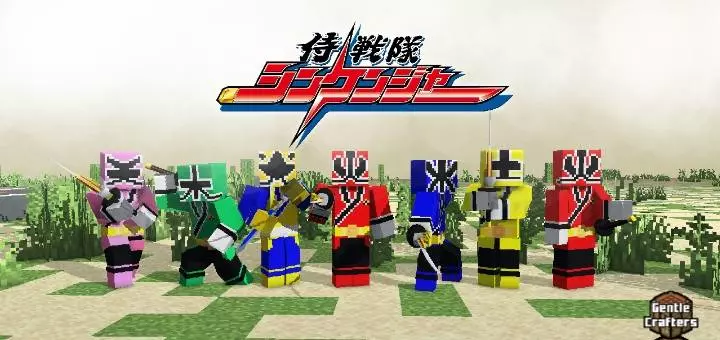
The Samurai Sentai Shinkenger skin pack drops 19 hyper-detailed ranger and monster skins right into your world so you can recreate classic tokusatsu battles. It brings iconic Super Sentai and Power Rangers Samurai drip straight to Minecraft without any annoying setup.
If you grew up watching Takeru Shiba and the crew slash through Master Xandred’s Nighlok army, this collection is going to hit nostalgic notes immediately. You get the whole squad here, complete with their Kanji symbol visors and bold suit colors, plus a bunch of the actual villain designs if you feel like playing the bad guy on a server. Rolling up to a nether fortress wearing full Red Samurai gear just hits different compared to standard diamond armor.
It’s super useful for group survival or mini-game servers where everyone wants a distinct look. Instead of having three identical friends in default Steve edits, your entire team can suit up as the actual team members and run through custom adventure maps together. The textures on these MCPE Power Rangers skins are crisp, readable from a distance, and don't glitch out when you swap items or wield heavy weapons.
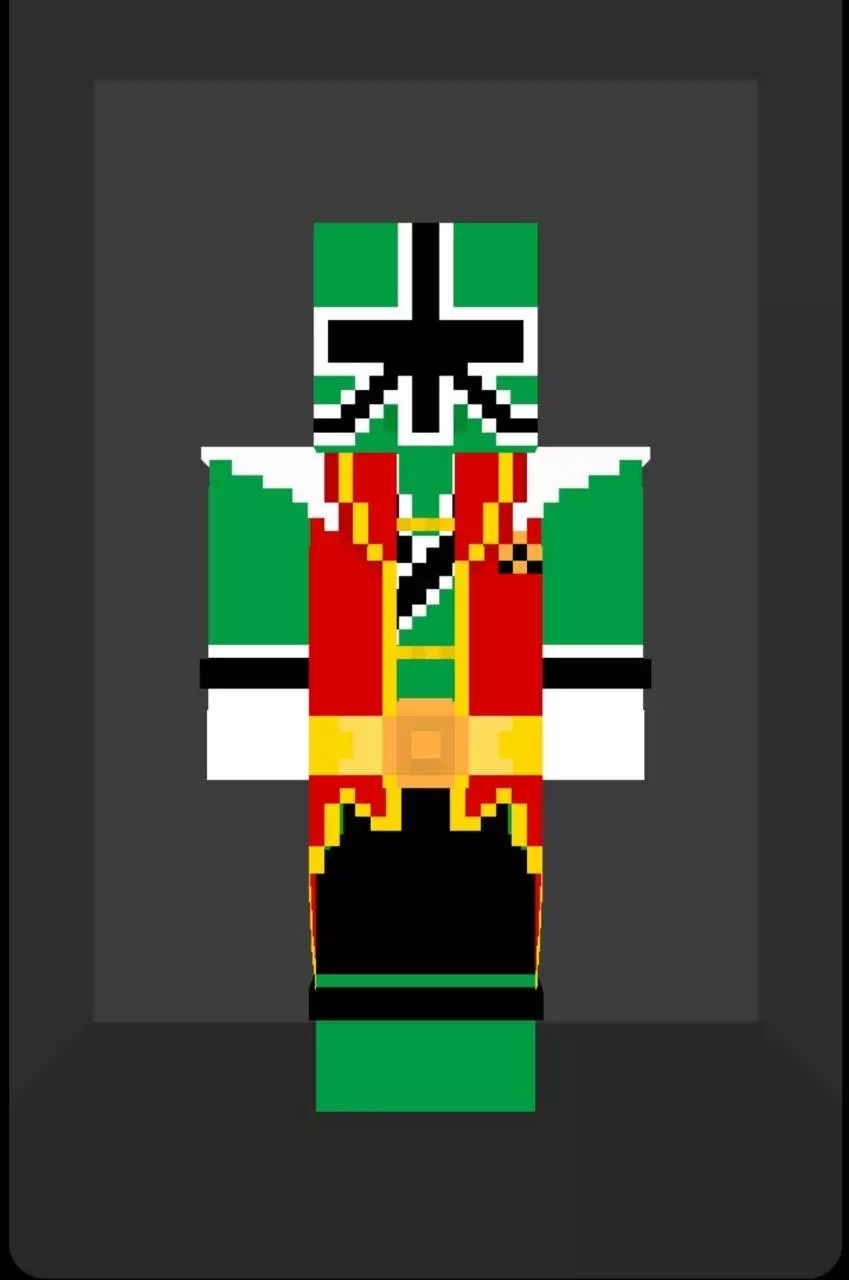
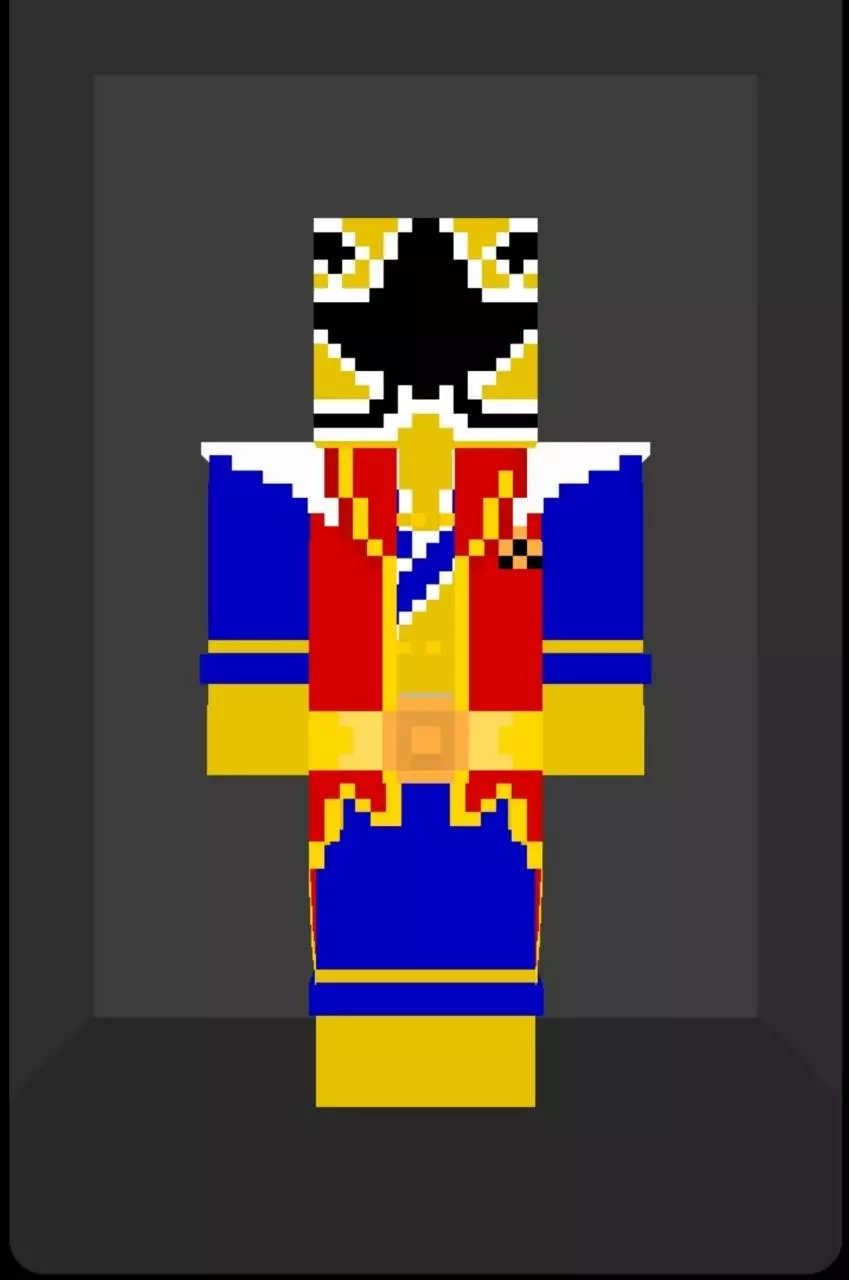
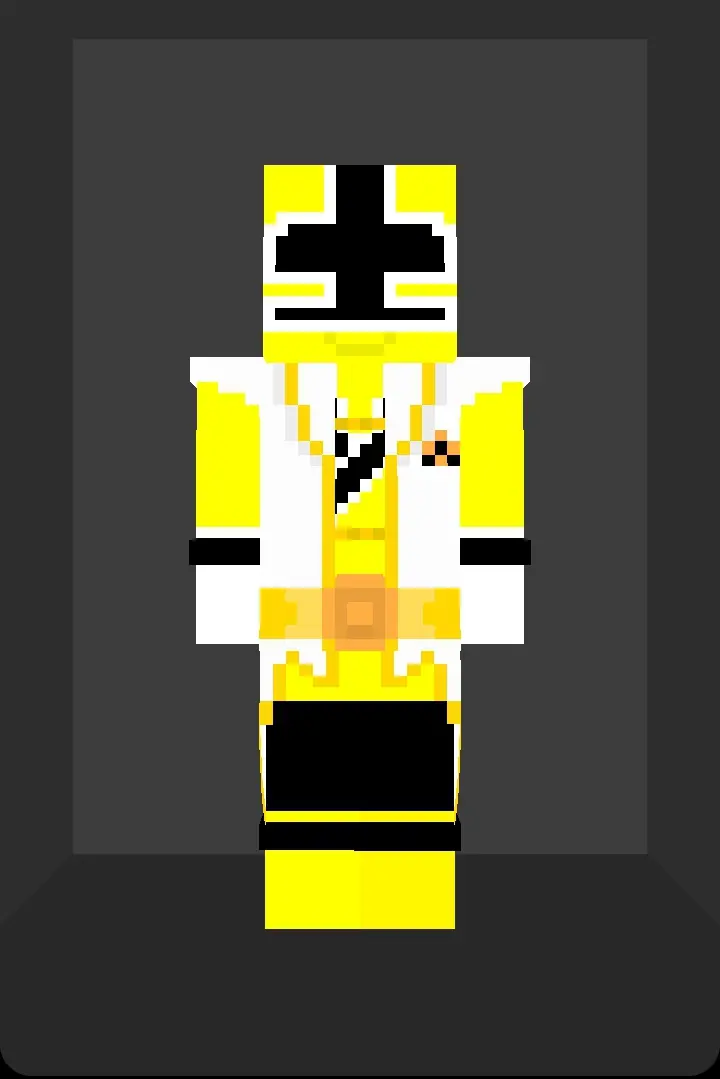
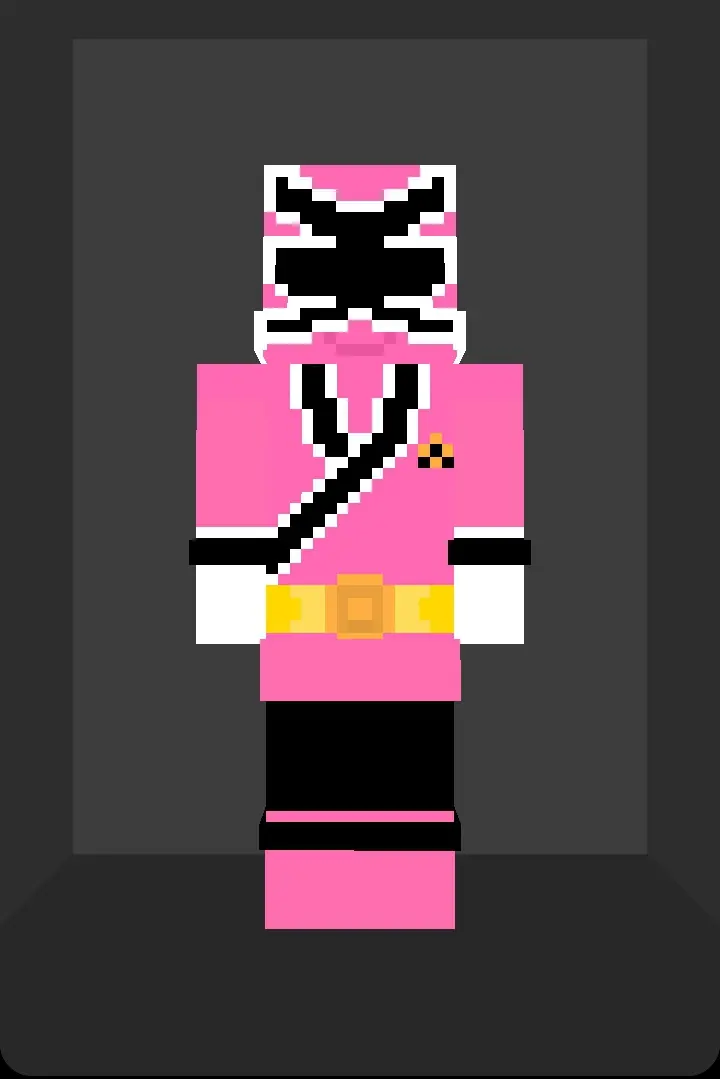
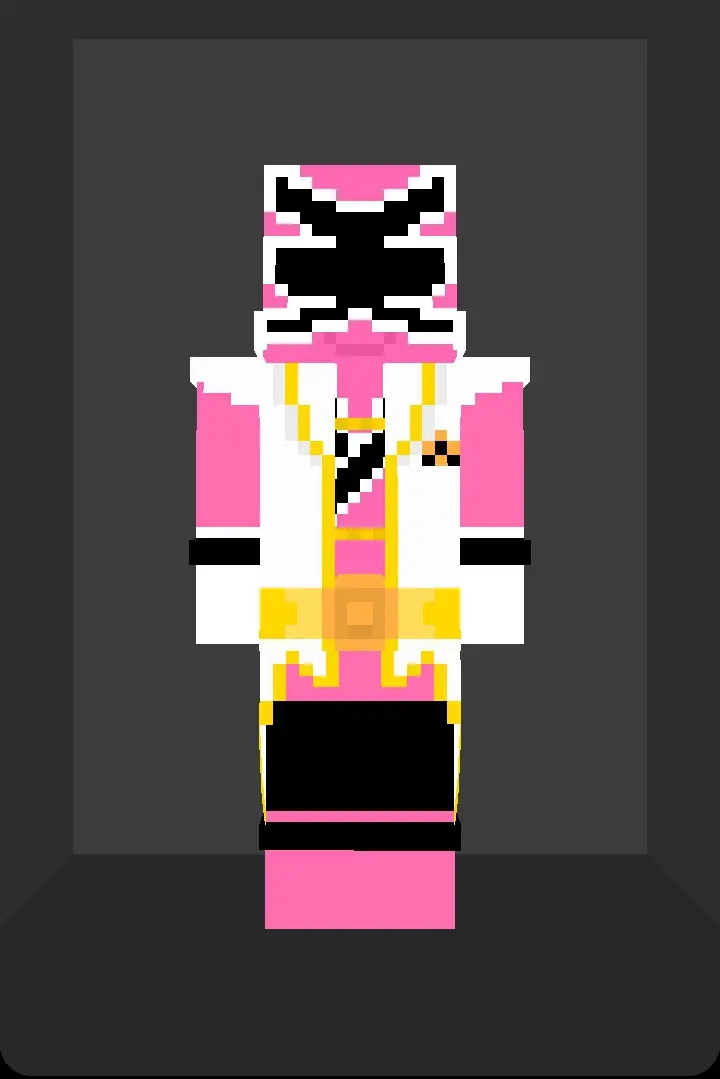
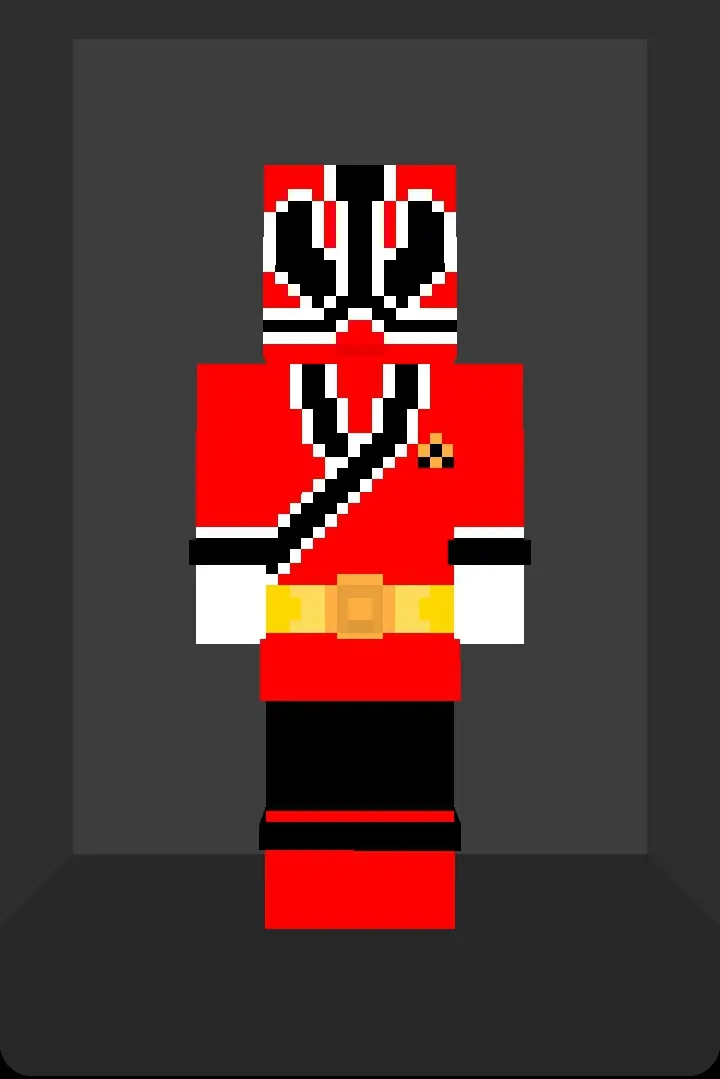
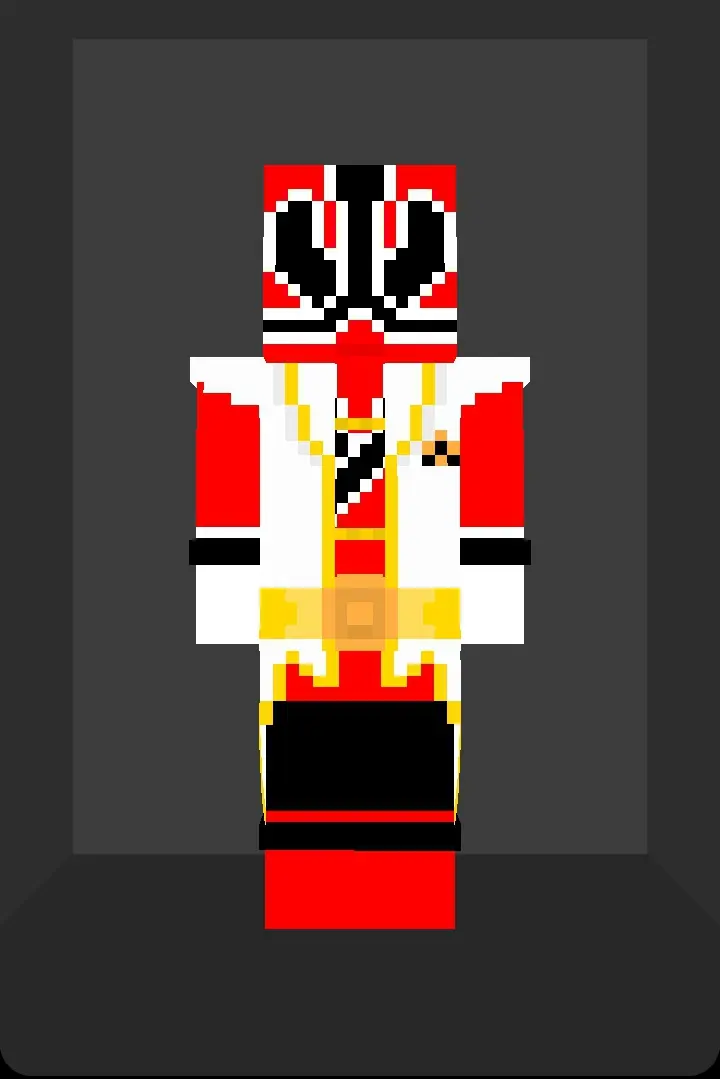
Translating slick spandex and hard plastic helmets into blocky voxel geometry usually ends up looking like a blurry mess, but this pack handles the aesthetic shift flawlessly. The shading along the belts, the sharp contrast of the elemental crests, and the metallic tint on the gold ranger suit all pop beautifully regardless of your render distance. Because these are standard-geometry models, they map tightly to your Bedrock avatar. You won't suffer from any weird texture clipping when you are speed-bridging in competitive minigames, pulling back a fully enchanted bow, or swinging a Netherite sword. Your hitbox stays perfectly clean, allowing you to flex your tokusatsu fandom without catching unnecessary damage in a sweaty PvP duel.
Dropping this Samurai Sentai Shinkenger Minecraft Bedrock skin pack into a multiplayer realm completely changes the dynamic of your squad. Coordinating a full color-coded strike team with your friends turns a standard mob-grinding session into a massive cinematic event. You can literally assign roles based on the elemental powers—put your red ranger on frontline melee duty, have the blue ranger handle water navigation, and let your gold ranger manage the heavy artillery. It adds a heavy layer of roleplay to any survival server, transforming chaotic Discord calls into organized squad tactics as you defend your base claims from creepers like they are invading Nighlok monsters.
Whether you're gearing up for PvP arenas or building a Japanese-style castle base, this Minecraft Bedrock anime skin pack brings serious style. Grab these custom Bedrock samurai skins, pick your favorite color, and go beat down some mobs with your squad.
Quick guide: How to install this Minecraft skinpack
Downloaded the .mcpack file? Here is exactly how to get it into your game depending on what device you are using right now.
- On Windows or Android: Just click or tap the downloaded file twice. Minecraft will open up on its own and load the skins immediately.
- On iPhone or iPad: Save the file, open your Files app, and hold your finger on it. Hit Share, select Minecraft from the list, and the game will handle the rest.
To put the skins on, just open Minecraft, head over to the Dressing Room (Profile), click on Classic Skins on the left, find this pack under Owned, and tap Equip.
Comments (0)