Robo Buddies Skin Pack
- 21-07-2026, 05:34
- 299
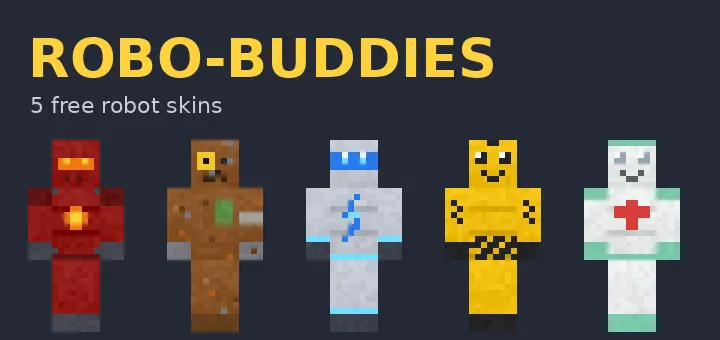
The Robo Buddies Skin Pack drops five completely original, front-and-back robot designs right into your dressing room, and the backstory behind it is honestly just awesome. If you are tired of scrolling through the same boring sci-fi outfits, this pack actually brings something fresh to your realm for completely free.
Instead of generic cyborgs, you get a solid lineup of distinct characters. There is Torchy the battle bot rocking a molten core, and Rusty, who is basically a walking junkyard scrapper held together by duct tape. You also get Volty the chrome scout, Zappy with his hazard stripes, and Patchy the medic droid packing a first-aid kit. Every single one of these has a unique front-and-back layout, which is a small visual detail a lot of creators surprisingly skip.
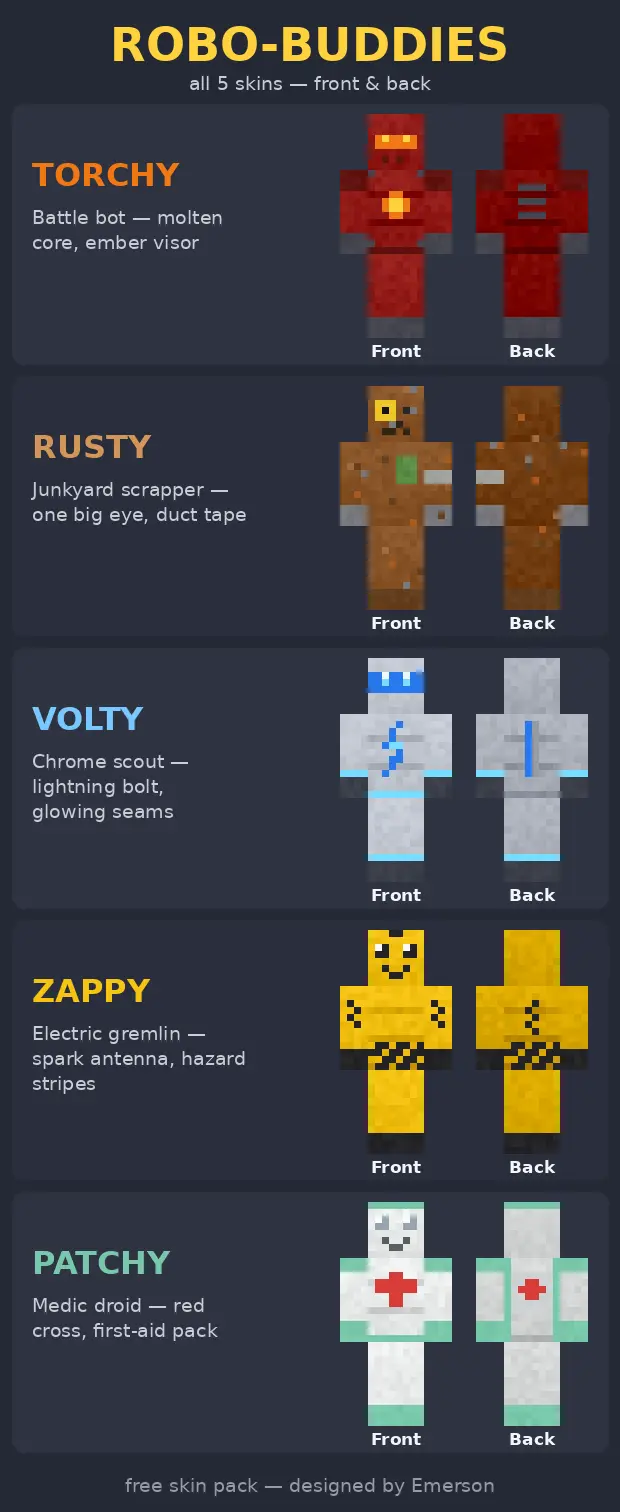
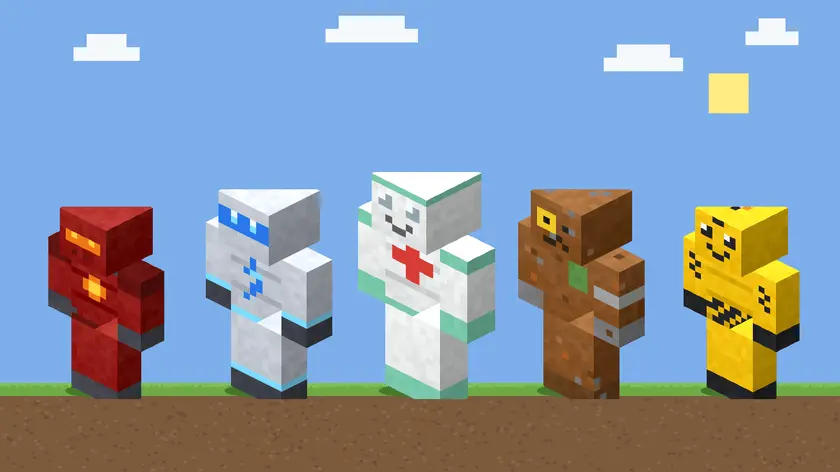
The coolest part about these Minecraft Bedrock robot skins is how they were actually made. The creator's kid came up with the names, concepts, and art direction, and then they used some AI tooling together to get the pixel art looking exactly how the kid imagined it. It is just a super wholesome community project that turned into a genuinely high-quality MCPE sci-fi skin pack.
If your survival group wants to load into the next server looking like a messy squad of futuristic droids, definitely grab these free custom Bedrock skins. They are clean, packed with character, and perfect for casual roleplay servers or minigames.
Coordinating with your regular crew is where this pack genuinely peaks. Because the roster includes eight distinct robotic variants, your entire squad can rock matching high-tech armor while still maintaining individual identities through the different screen expressions. Rolling up to a massive faction raid or dropping into a Bedwars match with a fully synchronized squad of androids is an instant psychological flex. Plus, those glowing visors aren't just for show in the lobby. If you are deep underground strip mining or navigating a pitch-black deepslate cavern, the high-visibility neon accents make it ridiculously easy for your teammates to track your movements without needing to spam chat coordinates.
From a technical standpoint, the creators nailed the pixel mapping. Some custom MCPE cosmetics try to force too many details onto the vanilla hitboxes, resulting in weird stretching when you sprint or draw a bow. These bots keep the geometry clean and readable, ensuring that your mechanical joints look flawless on both the classic and slim arm models. The shading on the metal panels gives off a subtle 3D depth, meaning you do not look like a flat piece of cardboard when zooming in during third-person view.
Quick guide: How to install this Minecraft skinpack
Downloaded the .mcpack file? Here is exactly how to get it into your game depending on what device you are using right now.
- On Windows or Android: Just click or tap the downloaded file twice. Minecraft will open up on its own and load the skins immediately.
- On iPhone or iPad: Save the file, open your Files app, and hold your finger on it. Hit Share, select Minecraft from the list, and the game will handle the rest.
To put the skins on, just open Minecraft, head over to the Dressing Room (Profile), click on Classic Skins on the left, find this pack under Owned, and tap Equip.
Comments (0)