Naruto Minecraft Skin
- 17-08-2026, 01:34
- 399
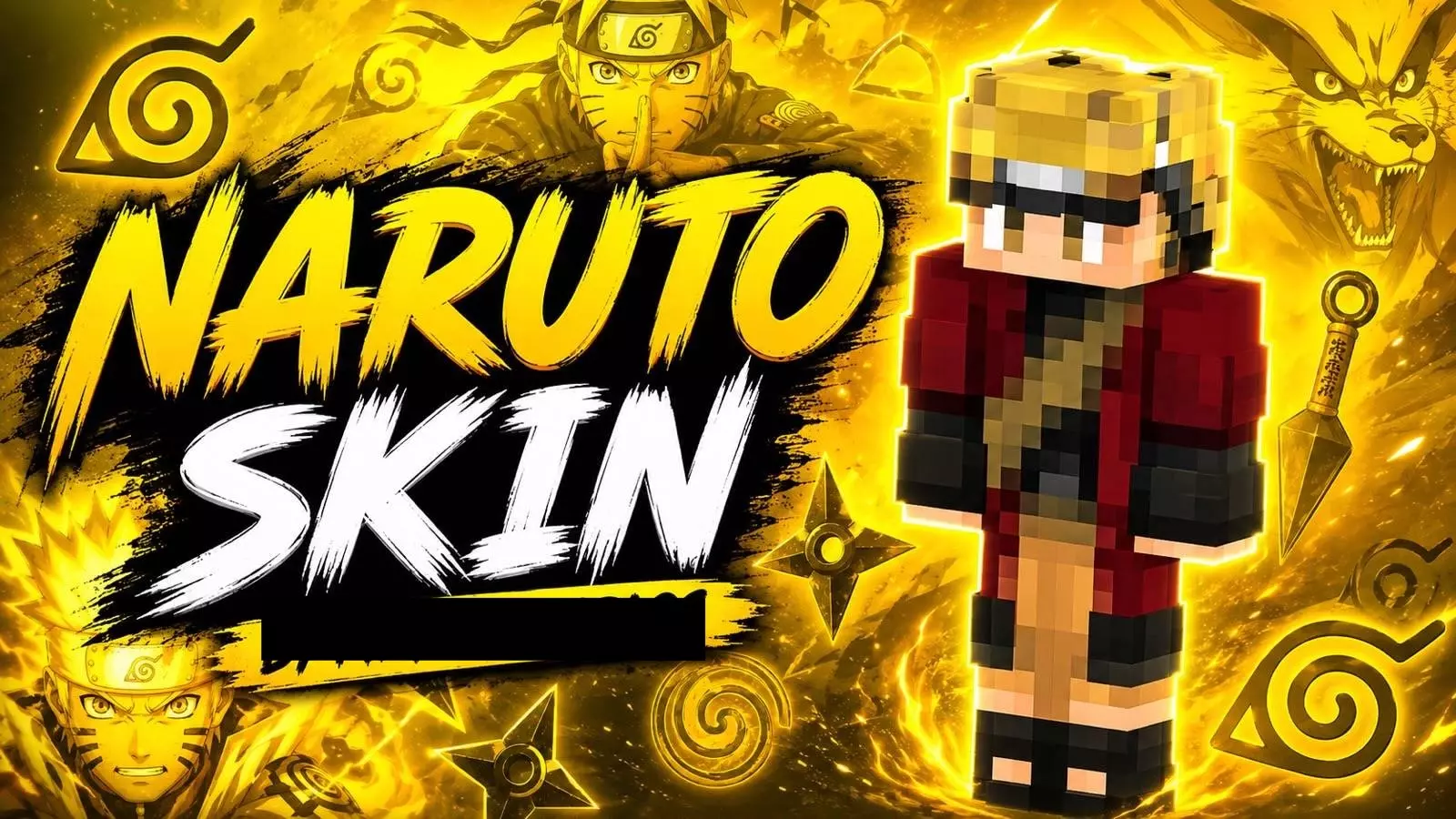
Drop into your next survival world repping the Hidden Leaf Village with this custom Naruto outfit. It is an absolute must-have for anime fans looking to bring some serious ninja energy to their gameplay.
Wearing standard iron armor over a basic Steve model gets incredibly boring after a while. If you really want to stand out during a massive SMP event, rocking that iconic bright orange and black tracksuit is definitely the move. You instantly bring a high-energy, recognizable vibe to the server. Imagine sprinting through a dark oak forest biome, bridging across the void in BedWars, or leaping over massive ravines looking like the ultimate shinobi. It just makes regular survival tasks or recording clips with your crew feel way more hype.
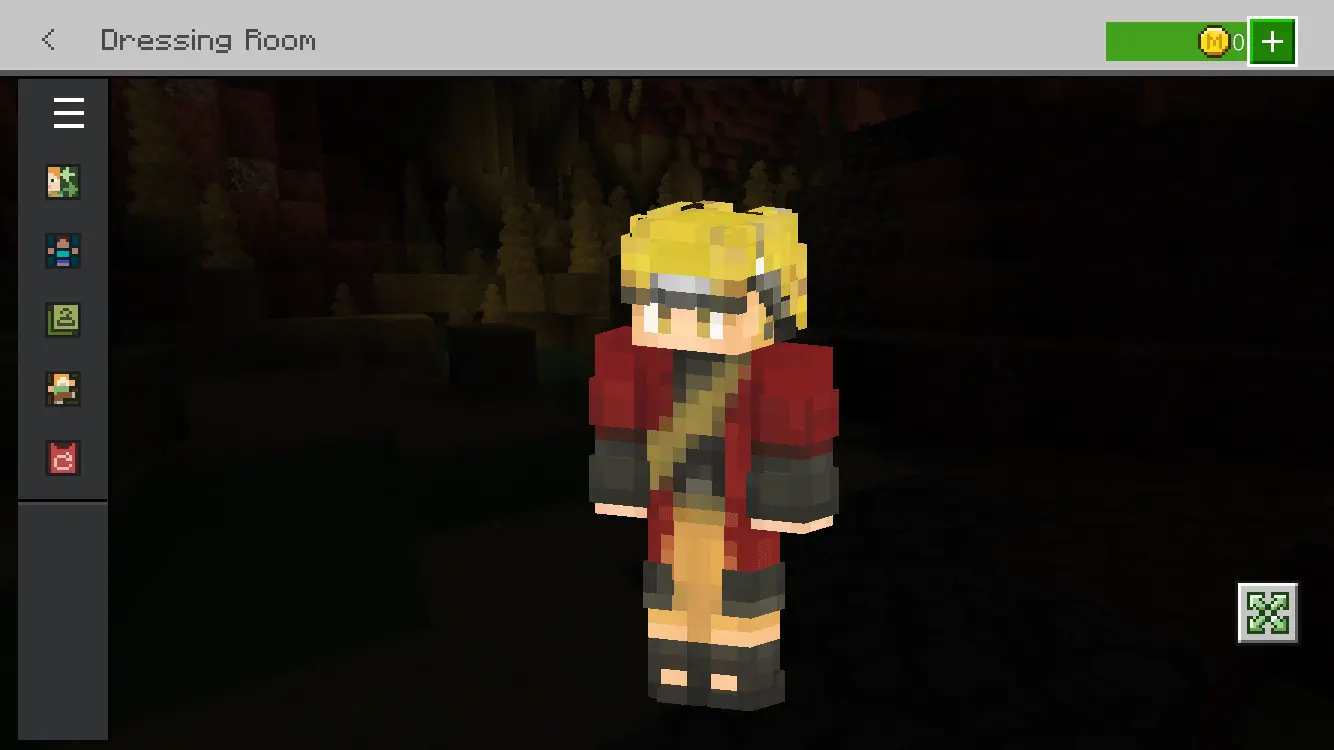
A huge issue with a lot of crossover cosmetics is that the pixel art usually ends up looking completely botched. Fortunately, the detailing on this character model is incredibly sharp. The headband and red accents pop beautifully against the classic orange base, ensuring the textures do not turn into a muddy mess when you zoom in for screenshots. You get a clean, high-contrast look that works flawlessly whether you play in first or third-person view.
Scoring a high-quality Minecraft anime skin that actually respects the source material without overloading the shading is rarely this easy. If you are ready to ditch your old avatar, throw this MCPE custom skin into your daily rotation. Grab this Minecraft Bedrock skin right now, load up your realm, and start your own ninja journey.
Quick guide: How to install this Minecraft skinpack
Downloaded the .mcpack file? Here is exactly how to get it into your game depending on what device you are using right now.
- On Windows or Android: Just click or tap the downloaded file twice. Minecraft will open up on its own and load the skins immediately.
- On iPhone or iPad: Save the file, open your Files app, and hold your finger on it. Hit Share, select Minecraft from the list, and the game will handle the rest.
To put the skins on, just open Minecraft, head over to the Dressing Room (Profile), click on Classic Skins on the left, find this pack under Owned, and tap Equip.
Comments (0)