Naruto Versions Skin
- 21-07-2026, 09:43
- 476
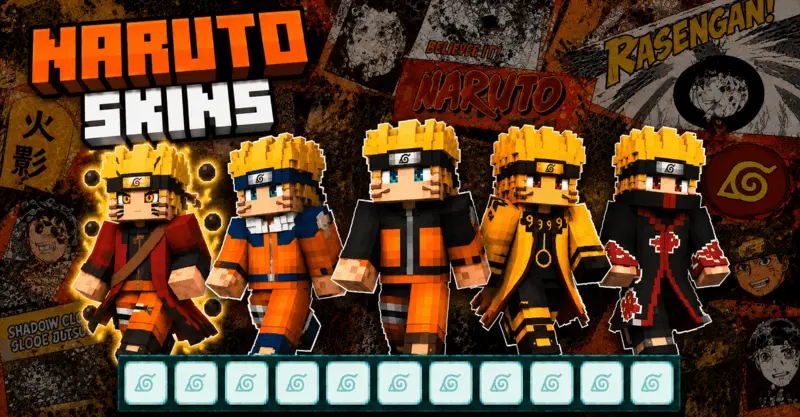
The Naruto Versions Skin Pack drops every iconic era of the Hidden Leaf's most chaotic ninja straight into your dressing room. If you want to spam rasengans and speed-bridge across SkyWars looking like an absolute boss in Sage Mode, this is exactly what you need.
Running around a heavy faction server looking like a default Steve is a massive missed opportunity when you could be flexing literal Hokage drip. Anime outfits in this game can be super hit-or-miss, usually ending up as a blurry disaster the second you throw a Netherite chestplate over them. But this collection actually gets the shading right. You aren't just getting one basic orange jumpsuit, either. The developer packed in a massive timeline of designs, starting from classic Child Naruto all the way up to his most insane, chakra-heavy transformations. It’s perfect for setting up a custom PvP arena with your friends and seeing who actually deserves the title of strongest shinobi.
If you are sweating it out in a Bedwars lobby or running custom KitPvP maps with your squad, visual intimidation is half the battle. Pulling up to contest the center island while rocking the glowing Six Paths form or dropping in as the Adult Seventh Hokage instantly changes the entire lobby's dynamic. These Bedrock Naruto skins handle perfectly during high-speed combat. You do not have to worry about those cursed transparent texture tears when you are speed-bridging across the void or spamming critical hits. The pixel geometry stays incredibly crisp whether you prefer the classic blocky arms or the slim character model, keeping your crosshair tracking clean.
The developer didn't just stop at the standard canon timeline, either. This MCPE anime skins bundle also throws in wild alternate designs, including a sinister Akatsuki Naruto variant for when you want to run a complete villain arc on your multiplayer realm. Setting up a massive SMP faction war and having your squad deck out in different eras of Naruto's progression is absolute peak gaming. You can literally visually track your server's power scaling—start off in his classic gear while mining for early-game iron, and swap to the glowing black battle symbols of his endgame transformations once you secure full enchanted Netherite gear.
Since this is a completely optimized Minecraft Bedrock anime skin pack, you don't have to deal with weird lag spikes or messy external apps to get it running. The pixel art stays super clean even when you are sweating it out in a Wither fight or grinding through a massive survival map. If your squad is throwing together an MCPE Naruto mod server, having the actual outfits to match the vibe is basically mandatory. Stop settling for boring default models. Grab these custom Bedrock character skins, load up your client, and go absolute beast mode on your realm.
Quick guide: How to install this Minecraft skinpack
Downloaded the .mcpack file? Here is exactly how to get it into your game depending on what device you are using right now.
- On Windows or Android: Just click or tap the downloaded file twice. Minecraft will open up on its own and load the skins immediately.
- On iPhone or iPad: Save the file, open your Files app, and hold your finger on it. Hit Share, select Minecraft from the list, and the game will handle the rest.
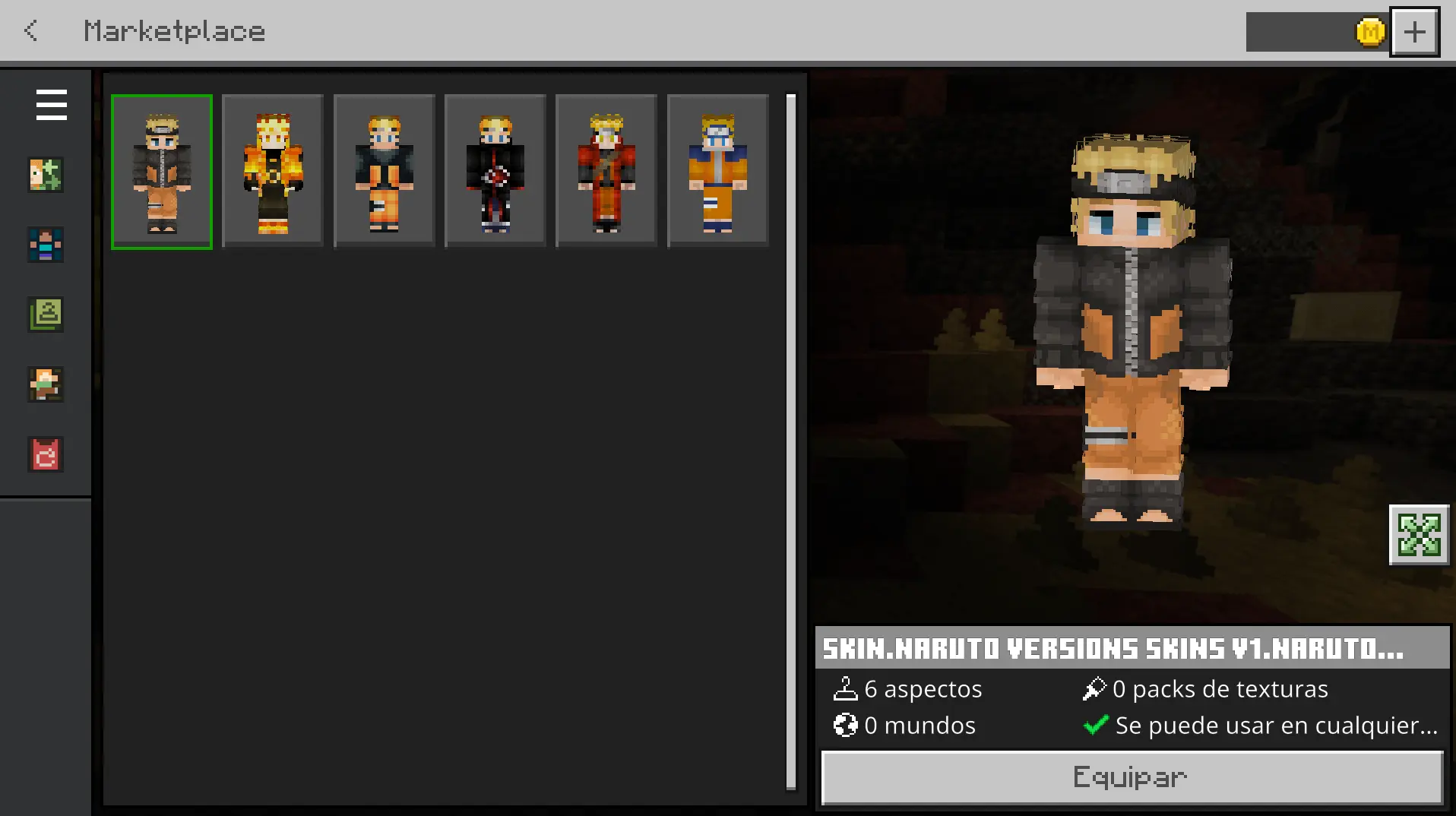
To put the skins on, just open Minecraft, head over to the Dressing Room (Profile), click on Classic Skins on the left, find this pack under Owned, and tap Equip.
Comments (0)