SUKUNA SKIN
- 18-08-2026, 02:26
- 354
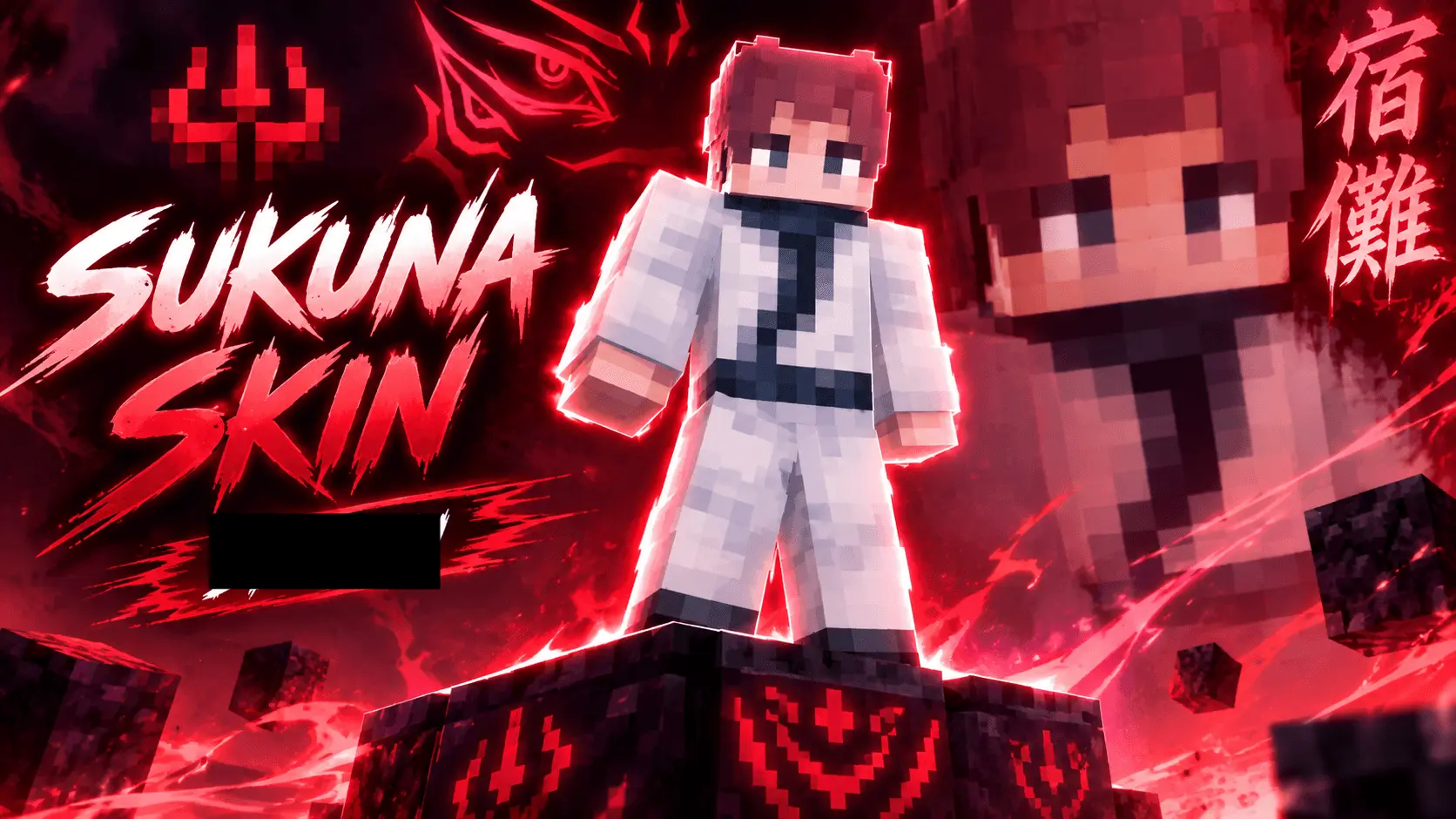
Take over your server as the King of Curses with this highly detailed Sukuna character model. This drop provides the exact chaotic energy you need to completely terrorize your next PvP match or survival world.
There is nothing quite as intimidating as pulling up to a faction raid rocking those iconic facial markings and the classic white robes. When you equip this outfit, you stop being just another random player mining for diamonds and instantly become the final boss of the realm. Whether you are running 1v1 duels or dominating a massive SMP event, channeling this specific anime villain brings a totally different level of hype to your gameplay. The stark white attire combined with those dark, cursed tattoos ensures you stand out perfectly against basically any biome.
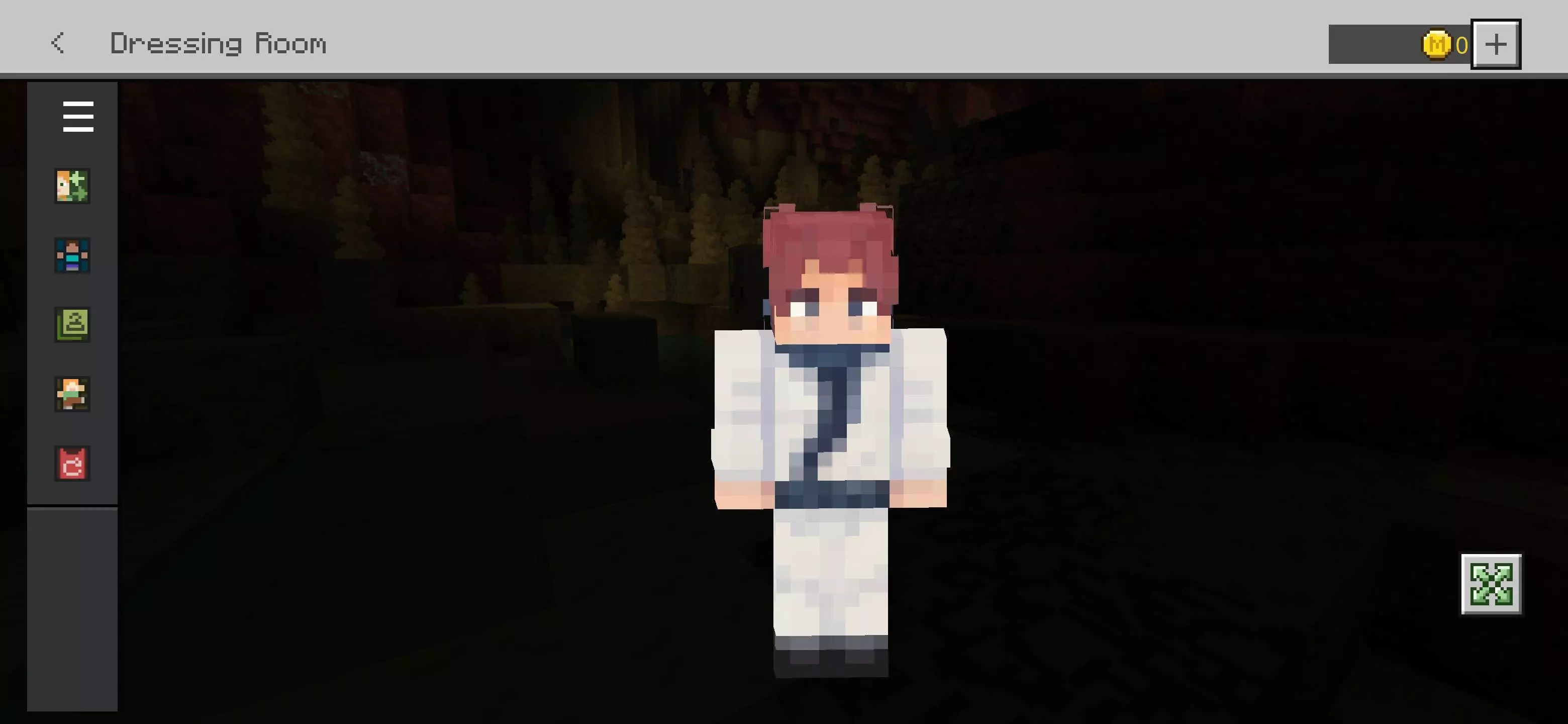
What makes this design actually usable is the precision of the pixel art. Tattoos and intricate facial details often look like a muddy mess in user-created cosmetics, but the creator kept the signature markings and the spiky pink hair incredibly sharp. Your character will look crisp and high-resolution even during fast-paced, zoomed-out combat where visibility is crucial.
If you are tired of rocking the same boring locker and want a Minecraft anime skin that actually commands respect, this is an easy choice. Skip the endless scrolling for decent MCPE custom skins and download this premium Minecraft Bedrock skin today. It is time to equip the ultimate Minecraft PvP skin, hop into the arena, and start unleashing total destruction on your lobby.
Quick guide: How to install this Minecraft skinpack
Downloaded the .mcpack file? Here is exactly how to get it into your game depending on what device you are using right now.
- On Windows or Android: Just click or tap the downloaded file twice. Minecraft will open up on its own and load the skins immediately.
- On iPhone or iPad: Save the file, open your Files app, and hold your finger on it. Hit Share, select Minecraft from the list, and the game will handle the rest.
To put the skins on, just open Minecraft, head over to the Dressing Room (Profile), click on Classic Skins on the left, find this pack under Owned, and tap Equip.
Comments (0)