Spectre – Texture Pack
- 27-02-2026, 11:46
- 383
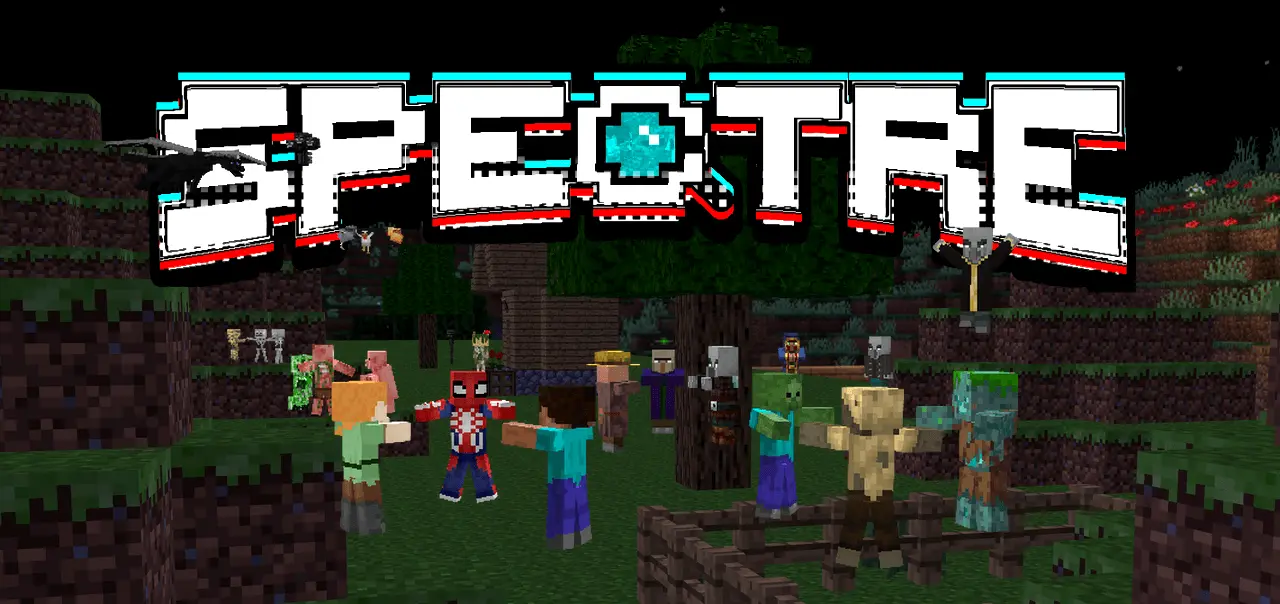
Spectre – Texture Pack came from messing around with materials and turning a common annoyance into something useful: losing track of entities. The whole point is simple—help you find the entities around you when they’re hiding, stuck somewhere weird, or just ran away. If you’ve ever been mid-survival and heard noises with no clue where they’re coming from, this pack is aimed at that exact frustration.
In-game, Spectre – Texture Pack fits best when your world feels messy and you’re trying to clean it up fast. You’re digging for buried treasure and suddenly you hear movement, a hiss, or random mob sounds that don’t match what you can see. Or you’re doing base work and something is clearly nearby, but it’s out of sight and wasting your time. Instead of wandering in circles, this pack is meant to help you spot the entities around you so you can actually deal with the problem and move on.


It’s also handy in those classic “where did it go” moments. A mob slips into a corner, runs behind terrain, or ends up in a place you’d never think to check. Same vibe when an entity is hiding because of a glitch or weird pathing and you’re just trying to locate it without tearing your whole area apart. Spectre – Texture Pack is basically for keeping your sessions flowing when the world gets noisy and confusing.
The best way to use Spectre – Texture Pack is like a tool you pull out when the game turns into a search mission. Turn it on when you’re tracking down what’s making sounds, cleaning up a chaotic area, or trying to find something that shouldn’t be “missing” in the first place, then go back to your usual visuals once you’re done. If you like your Minecraft Bedrock worlds to stay smooth and you’re tired of entities wasting your time, Spectre – Texture Pack is built to help you find what’s around you and stop the run-around.
Installation:
- Download Texture;
- Open the downloaded .mcpack to install;
- Select texture in settings;
- Done.
Comments (0)