Luca Visual – Shader
- 6-03-2026, 09:57
- 797
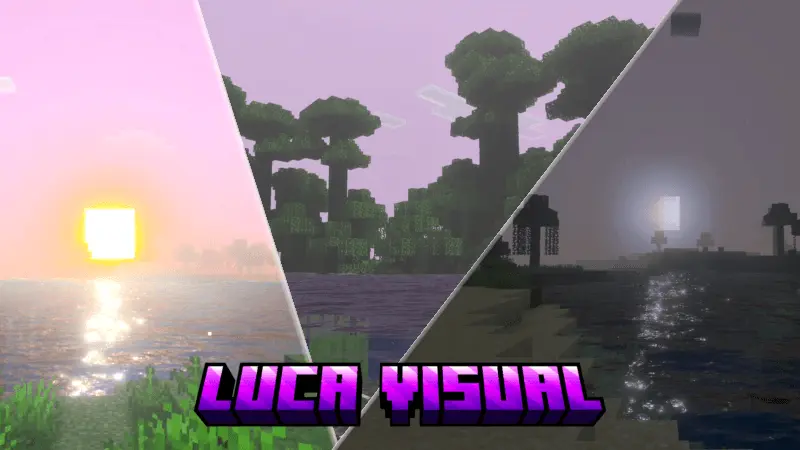
Luca Visual – download Minecraft Shader to improve the appearance of graphics, textures, and game style. Luca Visual is the kind of shader that might make you stop halfway through a Minecraft journey just to look around. The water becomes a deep, clear blue, the sky takes on a more colorful appearance, and shadows give the landscape a softer, more atmospheric look. A beach you’ve walked past dozens of times can suddenly seem like a good place to build a house. Even the familiar view from your base can feel different when the light and colors change around it.
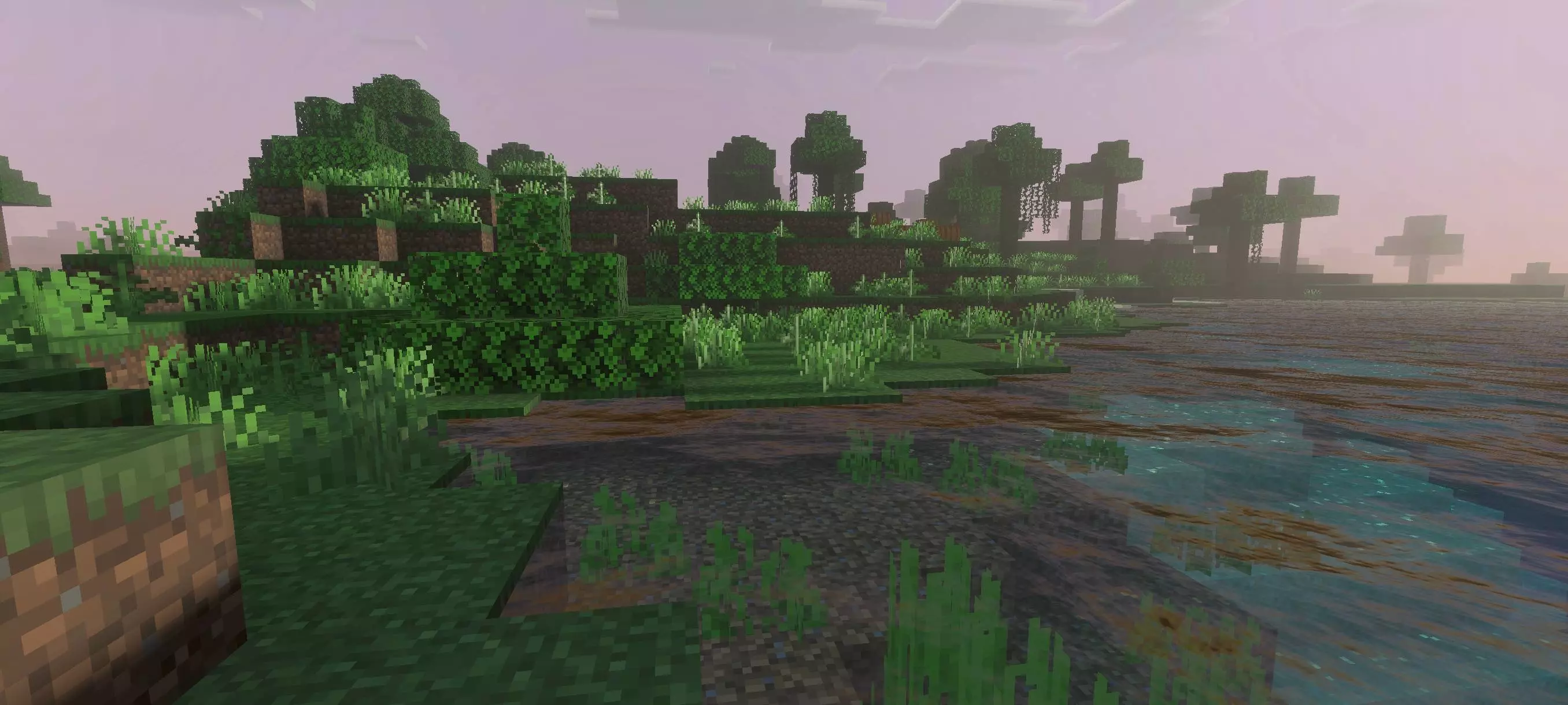
Water is one of the first things worth looking at after you activate the shader. Find a river near your home or take a boat out onto the ocean, where there’s enough open space to see the surface around you. Luca Visual gives the water a rich blue appearance and adds movement, making a trip along the coast a little more enjoyable to watch. If you’ve built a dock or a house beside a lake, return to it and see how the water looks next to the blocks you chose. You might even find yourself changing a few details of the build to make more of the view.
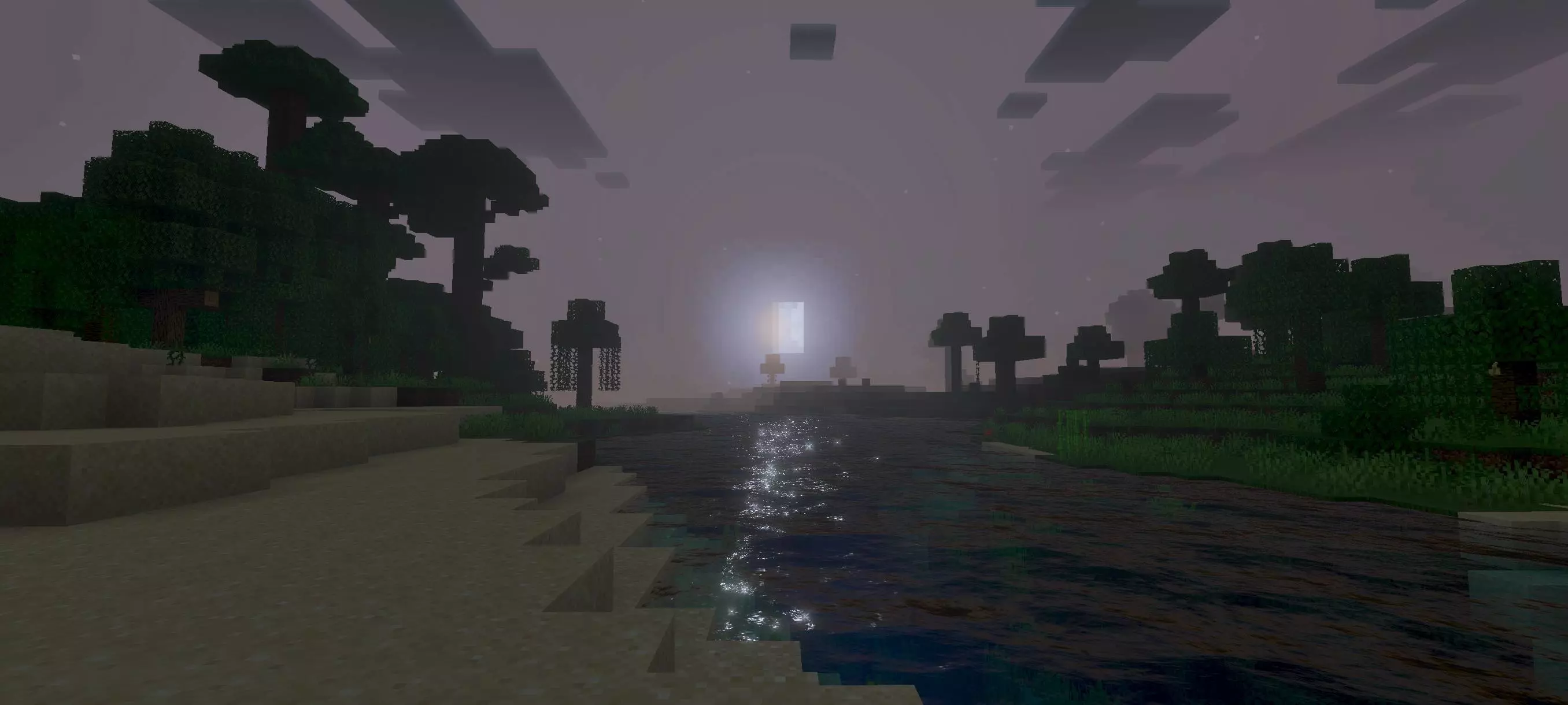
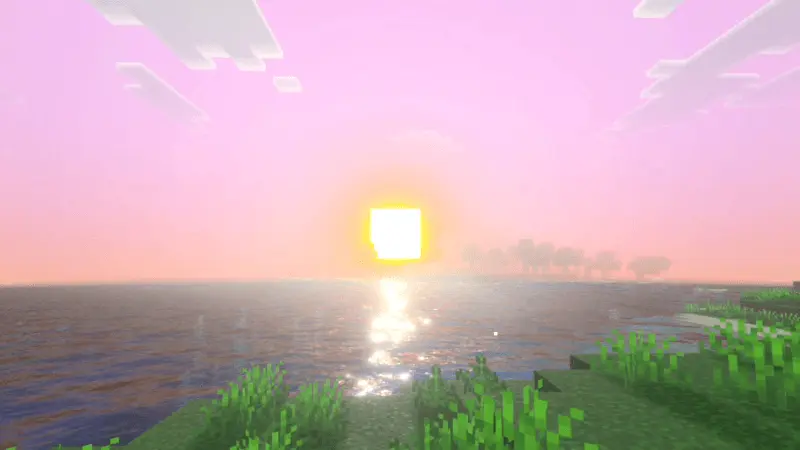

The sky does a lot for the atmosphere, too. It brings more color to the world above your head, which can make a simple walk across a field feel a bit more special. Try heading somewhere high with a clear view of the horizon, then stay there as the light changes. Mountains, trees, and buildings can look quite different depending on the time of day. If you like taking screenshots, visit a few of your favorite places rather than staying in one biome; a view across a lake will give you a very different picture from a path through a dense forest.
Shadows and lighting help bring those surroundings together. Trees cast softer-looking shade, and the contrast between open spaces and sheltered areas gives the terrain more depth. You’ll notice it while doing ordinary things as well as when you’re looking for a nice view. Walking between the trees on your way home, approaching a village, or standing outside a house you built yourself can all feel a little different. Luca Visual keeps Minecraft’s familiar blocky world, while giving its scenery a brighter and more colorful mood.
To see the shader’s effects, turn on Vibrant Visuals in the game’s video settings after activating the pack. Then load a world you know well and take a look around before setting off somewhere new. Visit the river near your base, wait for the sky to change, or go back to a favorite building and see how it looks in the new light. Luca Visual is a lovely choice if you enjoy exploring for the scenery and want the journey between one project and the next to be just as pleasant as the destination.
Installation:
- Download Shader;
- Open the downloaded .mcpack to install;
- Select texture in settings;
- Done.
Comments (0)