Frisk Visual Shade – Shader
- 6-03-2026, 09:39
- 479
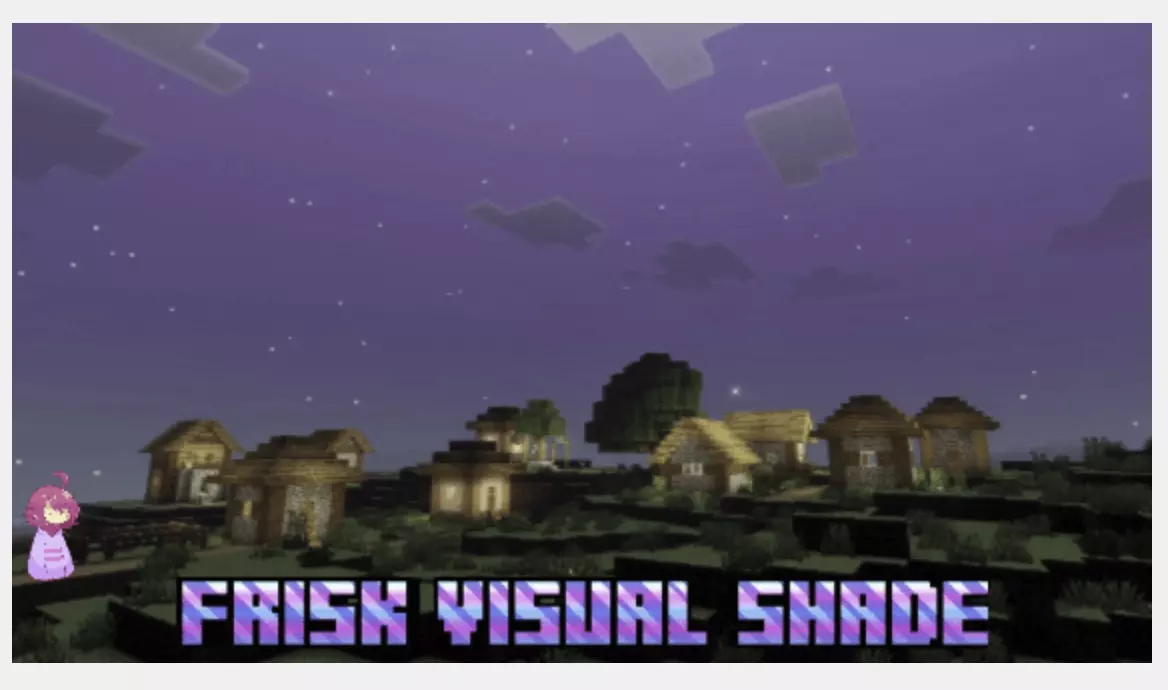
Frisk Visual Shade is a great shader add-on for Minecraft Bedrock. Improve graphics, sky, lighting, tone, and the atmosphere of your adventure. The first thing I’d do with Frisk Visual Shade is load an old world and wait until nightfall. Not because everything changes at once, but because this shader has an interesting way of handling the sky. The landscape gets dark after sunset, as you’d expect, yet around midnight the sky becomes brighter when the moon reaches its highest point. If you’re used to rushing to bed as soon as the sun goes down, staying awake long enough to see it gives you a reason to break that habit.
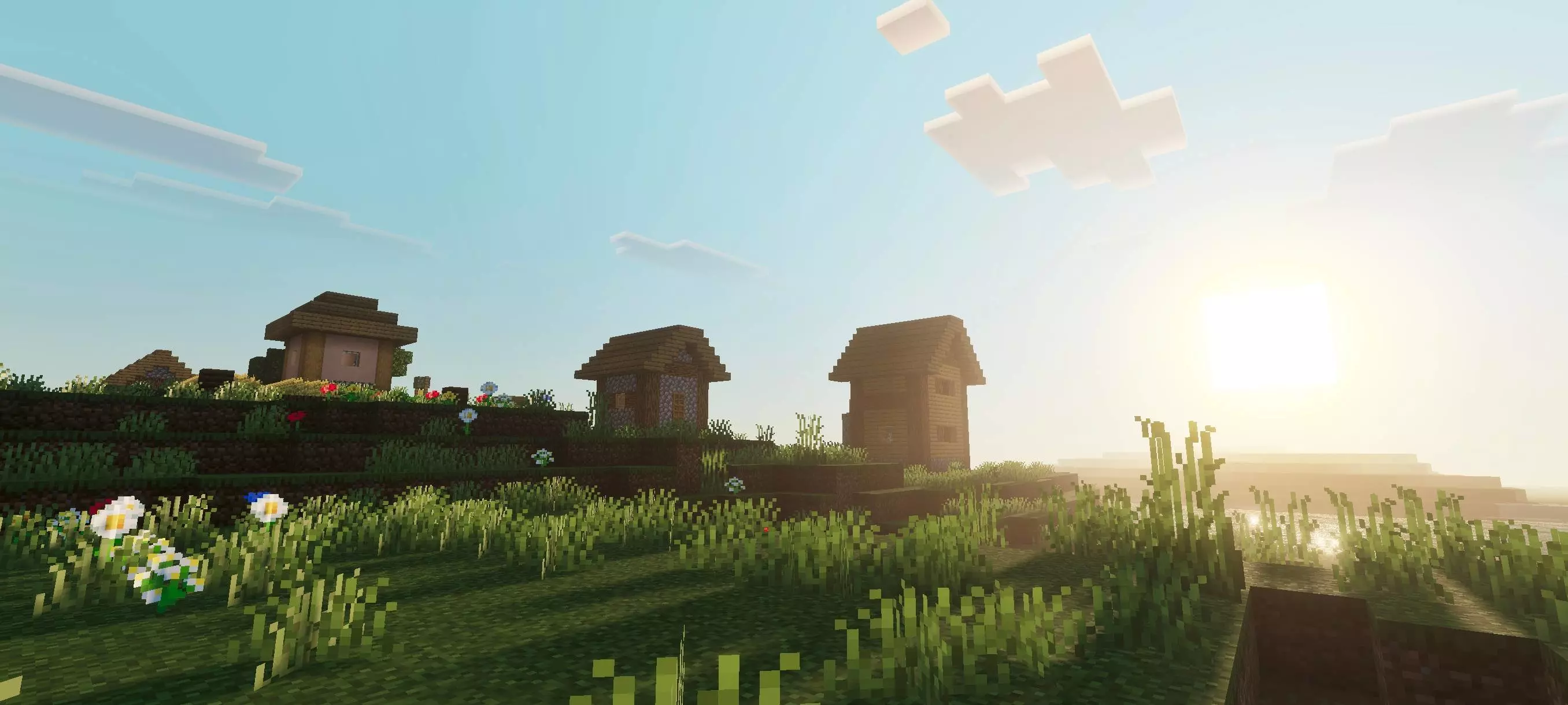
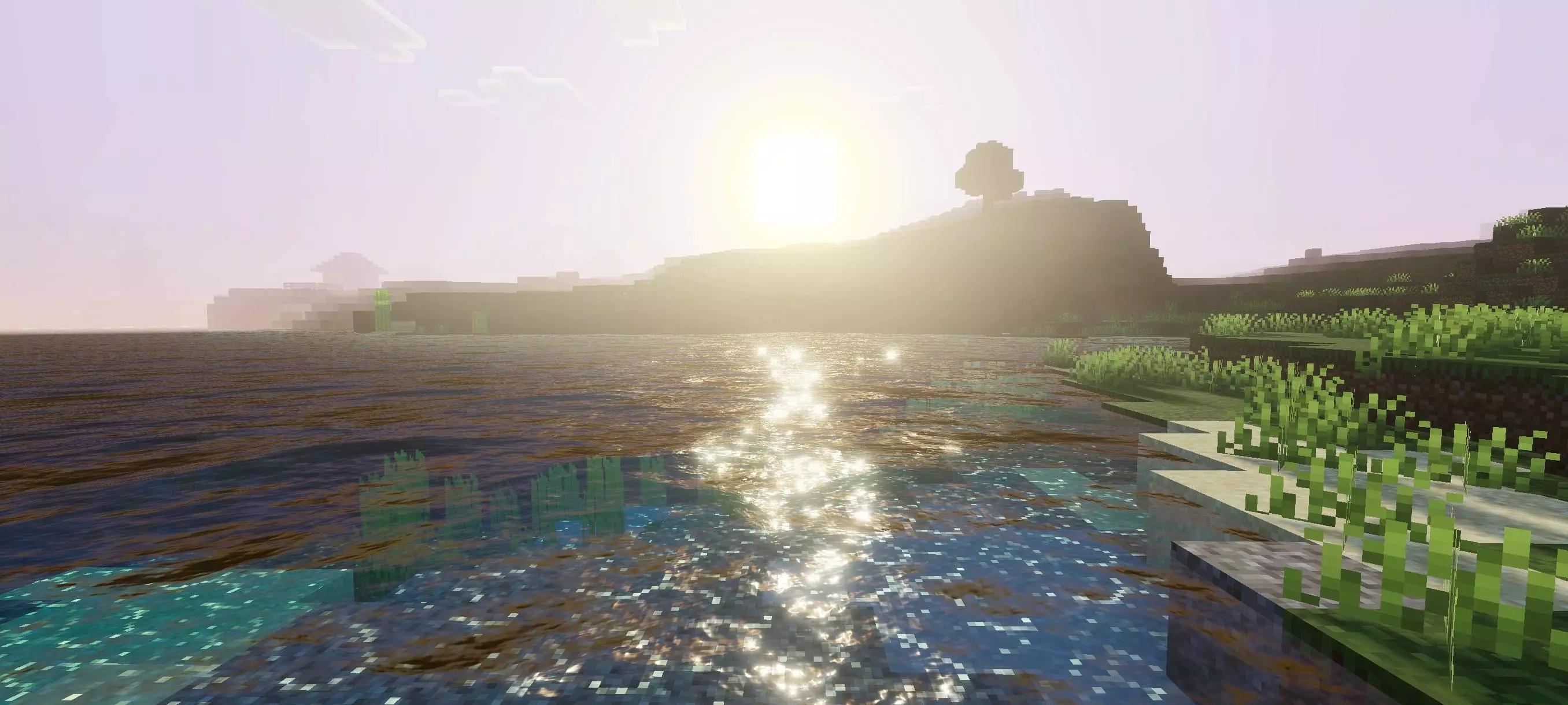
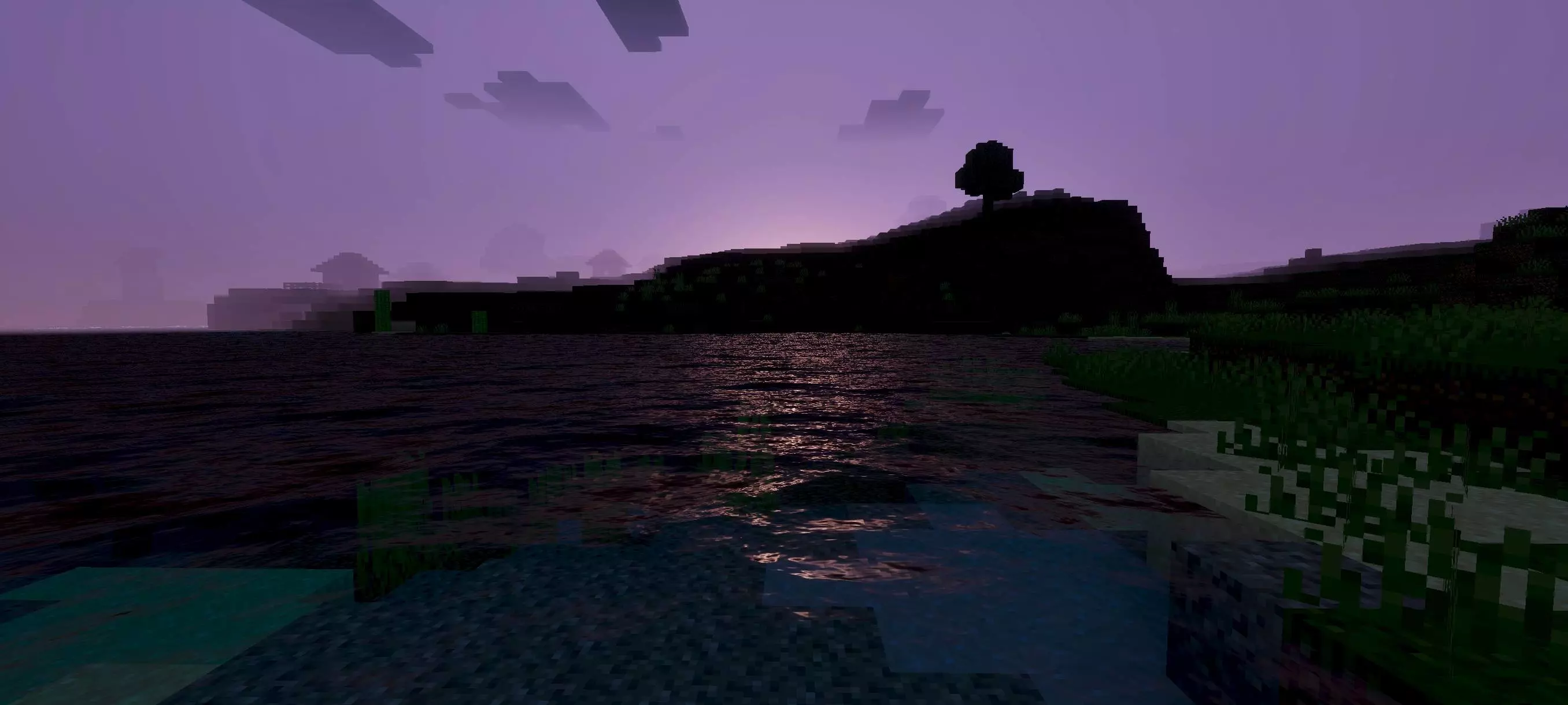
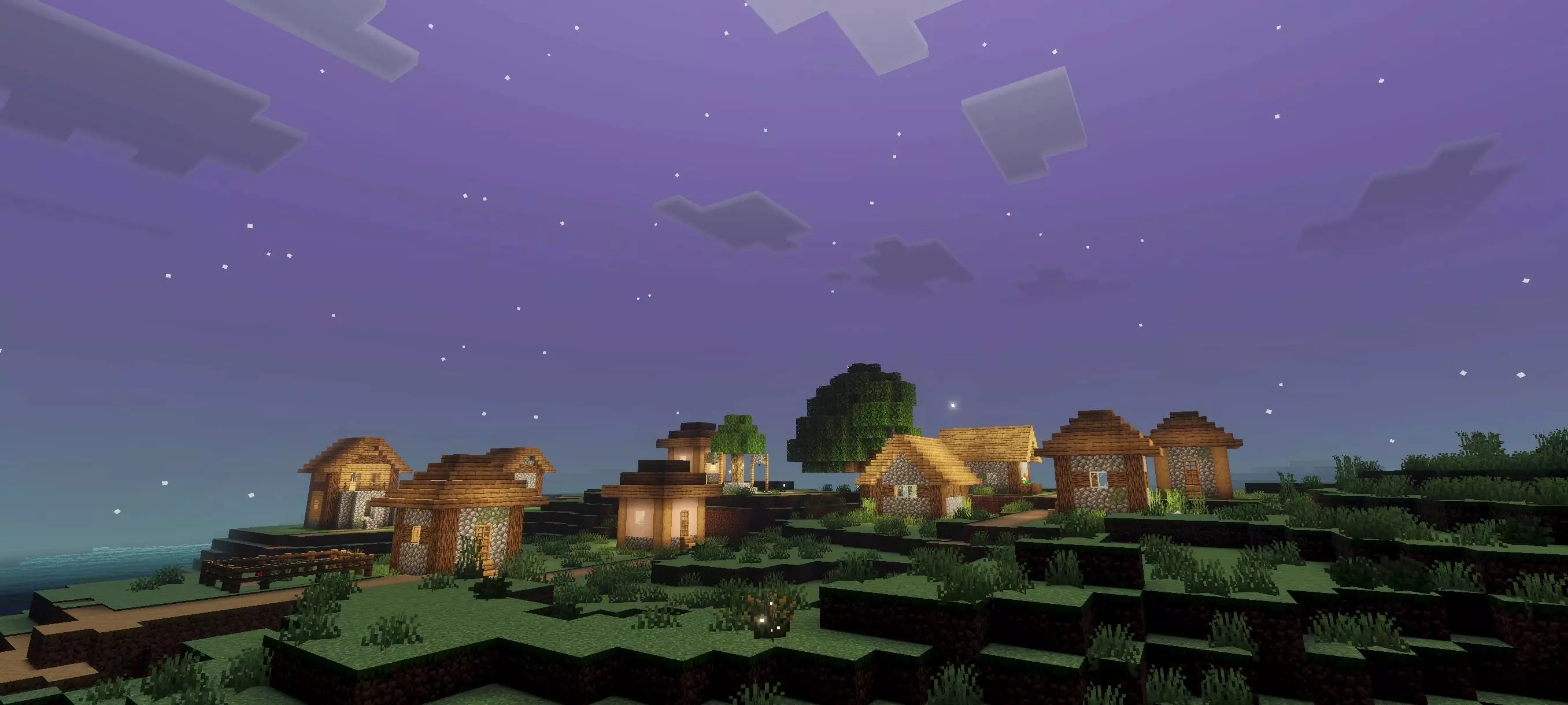
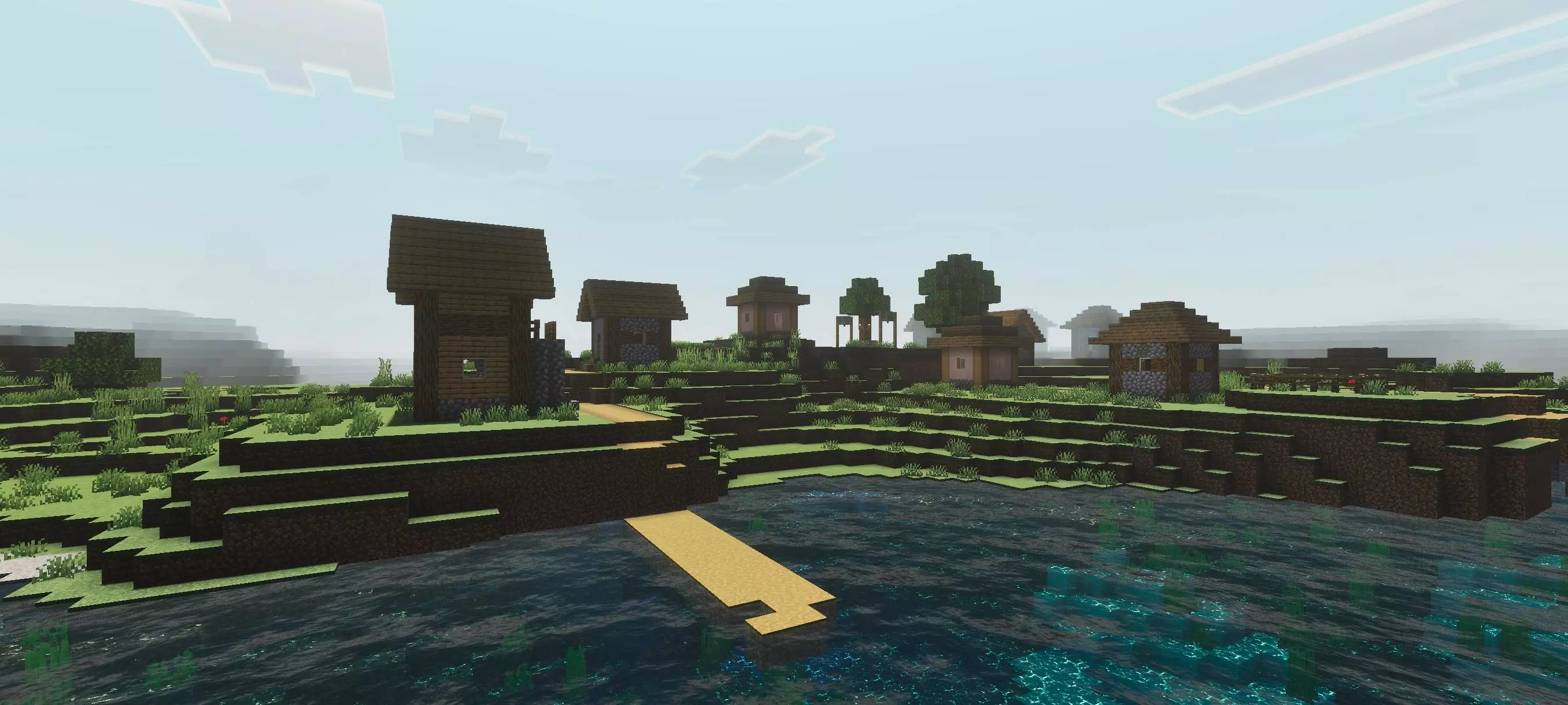
Frisk Visual Shade takes its name and inspiration from Frisk, the character from Undertale. You won’t find Frisk walking around your Minecraft village or meet Undertale characters in caves. The connection is in the mood: the shader changes the way light and color appear, giving your surroundings a softer, more atmospheric feel. You can enjoy it without knowing anything about Undertale, although fans of the game may appreciate what the name is going for. Either way, your usual survival world remains your own; it simply looks a little different when you step outside.
Daylight has a balanced appearance, with attention given to the shades between the brightest and darkest parts of the scene. A forest path, for example, can feel different when you leave an open field and walk beneath the trees. The shader uses PBR, tone mapping, and white balance adjustments to shape that overall look. You don’t need to know what each setting does to decide whether you like it. Walk around somewhere familiar, look at your house from a distance, then go inside and see how the change in lighting feels to you.
The darker evenings are worth planning around if you spend a lot of time exploring. Keep your sword close, bring torches, and remember where you left your bed before heading away from home. A village with lit windows can look particularly welcoming when you find it after a journey, and a small shelter feels a lot more useful when you’re waiting for morning. If you’d rather take in the view without worrying about a creeper, a fenced garden or a balcony gives you somewhere to watch the moon safely. The brighter midnight sky adds a nice moment to an otherwise dark stretch of the day.
Frisk Visual Shade works best as something you experience over time rather than judge from one scene. Try it while building, return to a favorite lake, and let a full day pass in your world. Pay attention to the difference between a clear afternoon and the hours after sunset; those are the changes that give the shader its character. Remember to enable Vibrant Visuals in the video settings so the effects appear. Once everything is set up, there’s no special route to follow or task to complete. Head back to whatever you were working on and let the new lighting become part of the journey.
Installation:
- Download Shader;
- Open the downloaded .mcpack to install;
- Select texture in settings;
- Done.
Comments (0)