Eterna Curse Skin Pack
- 23-02-2026, 17:07
- 564
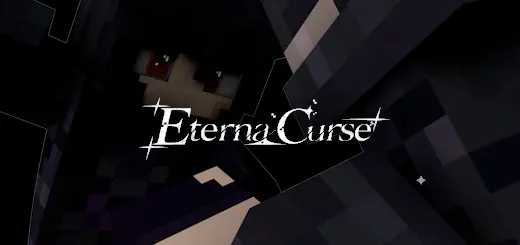
Eterna Curse Skin Pack is pure atmosphere. The description paints one character as the weight of a promise that can never be broken, dressed for an ending that never arrives, haunting the hallways of memory. That’s not a goofy “cool outfit” pitch—it’s a full vibe: formal, eerie, and emotionally heavy, like your character stepped out of a tragic gothic story and decided to live in your world.
The “formal face of a forever regret” line is the strongest clue to how this skin is meant to feel in-game. It’s refined, controlled, and unsettling in a quiet way. This is the kind of skin you wear when you want your character to look composed on the outside but haunted underneath—perfect for dark city builds, haunted mansions, abandoned schools, horror maps, or roleplay worlds where characters have lore and secrets. Even in a normal Minecraft Bedrock survival world, it changes your presence. Walking into a village at night in a formal, cursed aesthetic hits different than rolling up in a bright hoodie skin.


This skin vibe also works really well for multiplayer storytelling. If your friends are using other dark-themed skins, Eterna Curse becomes the “silent threat” or “mysterious ally” archetype instantly. You don’t need emotes or extra mods to sell it—just standing still in a hallway or looking down from a balcony is enough to make the skin feel like it belongs.
Practical tip: pair Eterna Curse Skin Pack with worlds that match the tone. Candle-lit interiors, deep slate, dark wood, foggy forests, and long corridors make the skin look like it’s “from” the environment instead of just visiting it. If you’re recording clips or taking screenshots, use tight lighting and shadowy angles so the formal details pop. Eterna Curse Skin Pack is for players who want their character to feel like a classy, cursed legend—elegant, tragic, and stuck in a story that never ends.
How to Install Skins in Minecraft Bedrock
- Download a .png skin (64×64 or 128×128).
- Open Minecraft Bedrock.
- Go to Profile (hanger icon) → Edit Character.
- Tap Owned → Import → Choose New Skin.
- Select your .png file.
- Pick a model: Classic (Steve) or Slim (Alex).
- Confirm to equip and play.
Comments (0)