Samurai Skin Pack
- 21-07-2026, 14:37
- 307
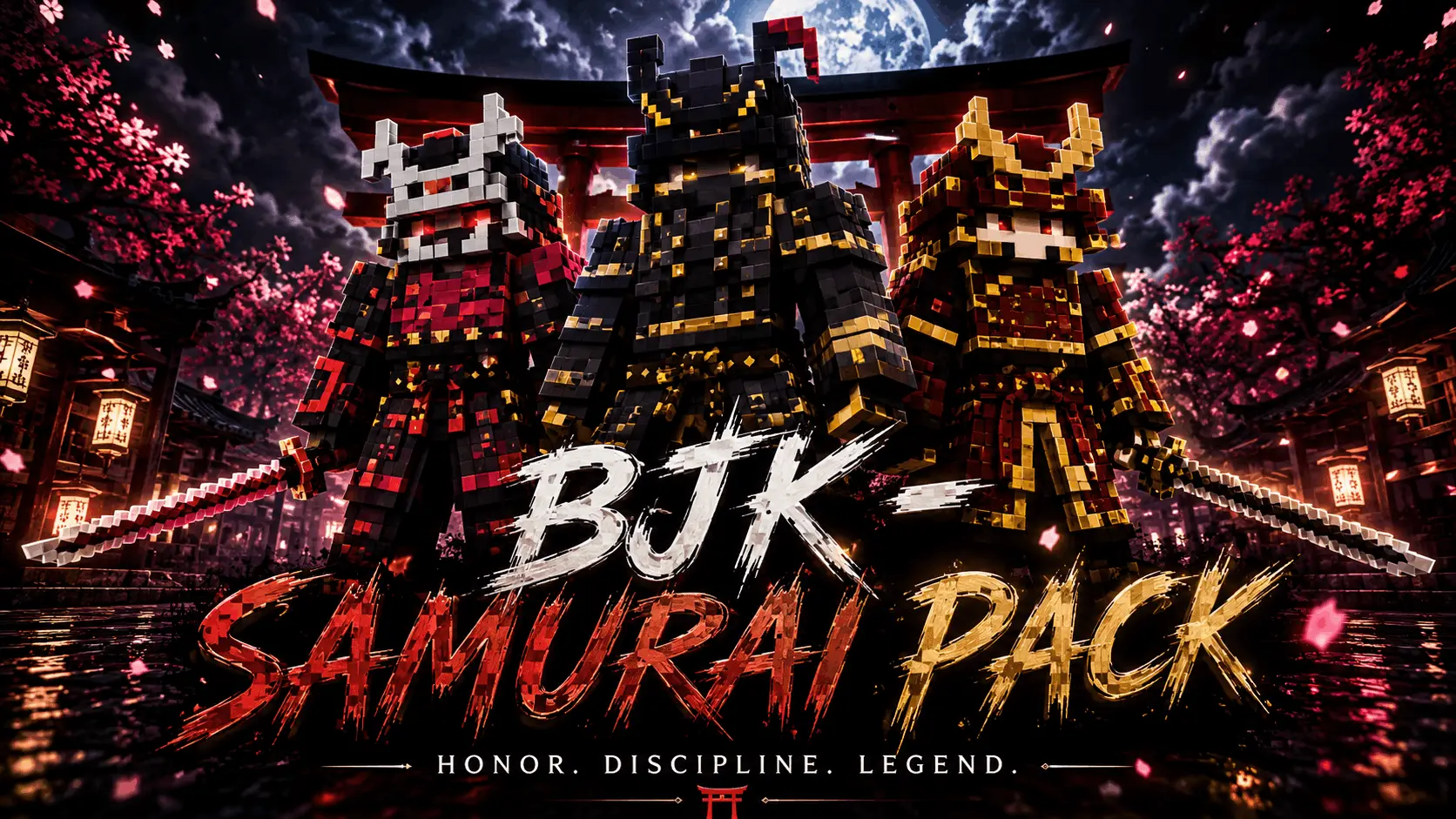
The Samurai Skin Pack drops authentic, battle-ready feudal warriors straight into your dressing room so you can finally stop looking like a random peasant. If you want to roam your realm looking like a disciplined swordsman instead of another basic Steve, this is the exact upgrade you need.
Let's be real, running around a massive custom Japanese-style temple build in a default t-shirt completely ruins the aesthetic. This collection actually delivers a solid lineup of detailed armor sets, complete with classic kabuto helmets and traditional robes. The pixel art completely skips all that messy, fake 3D geometry that usually clips right through your enchanted gear, keeping the textures sharp and readable even when you are aggressively spamming clicks in a heavy SkyWars match.
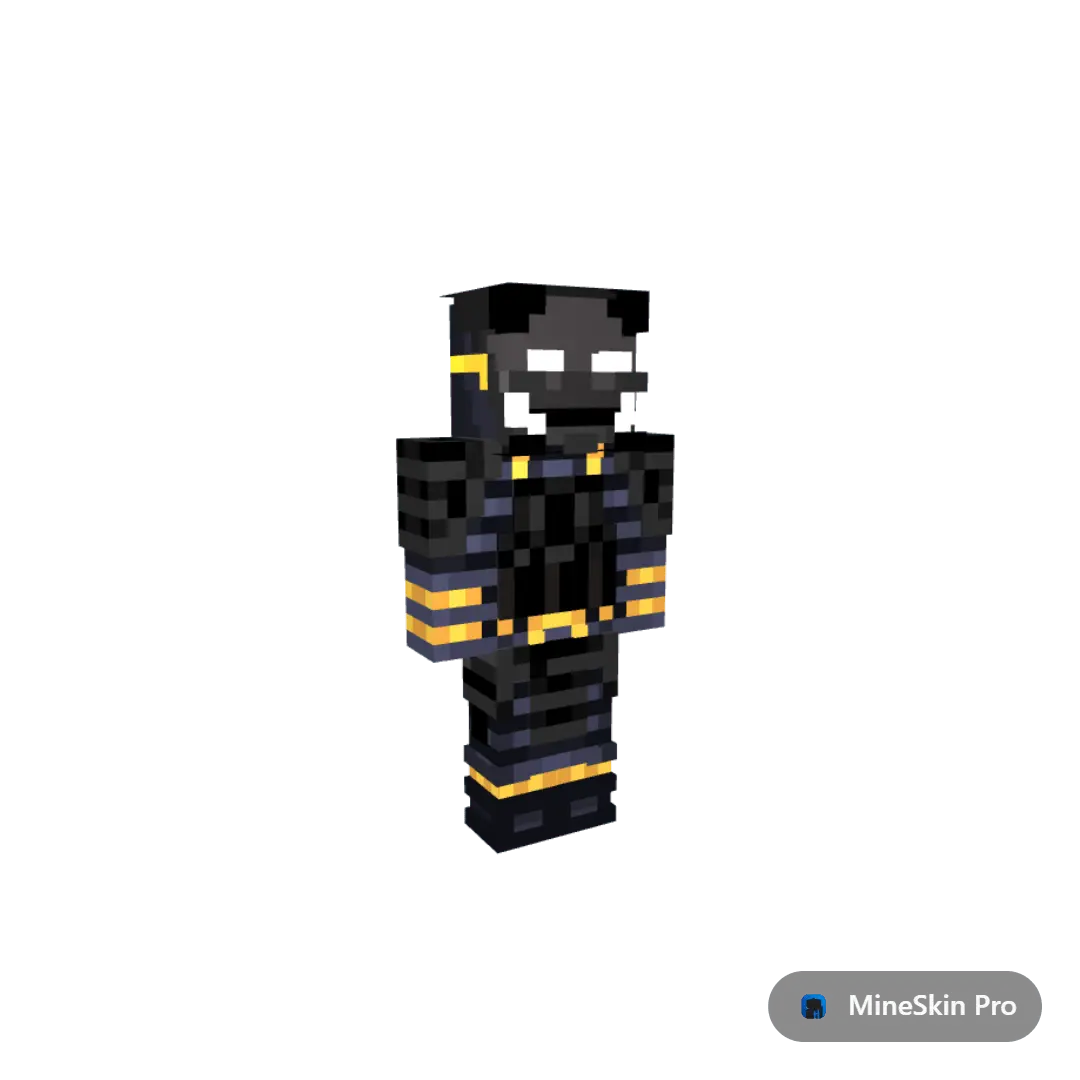
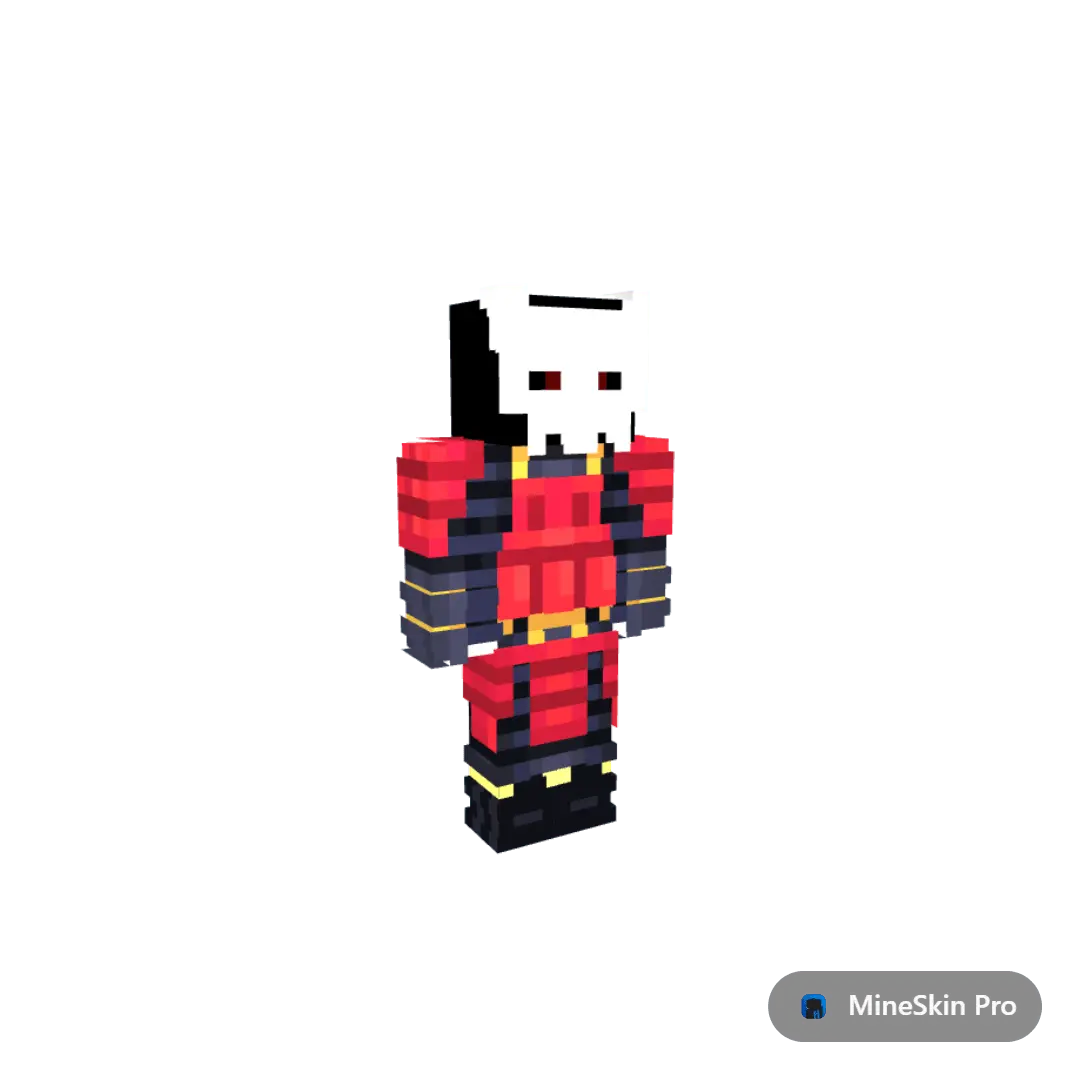
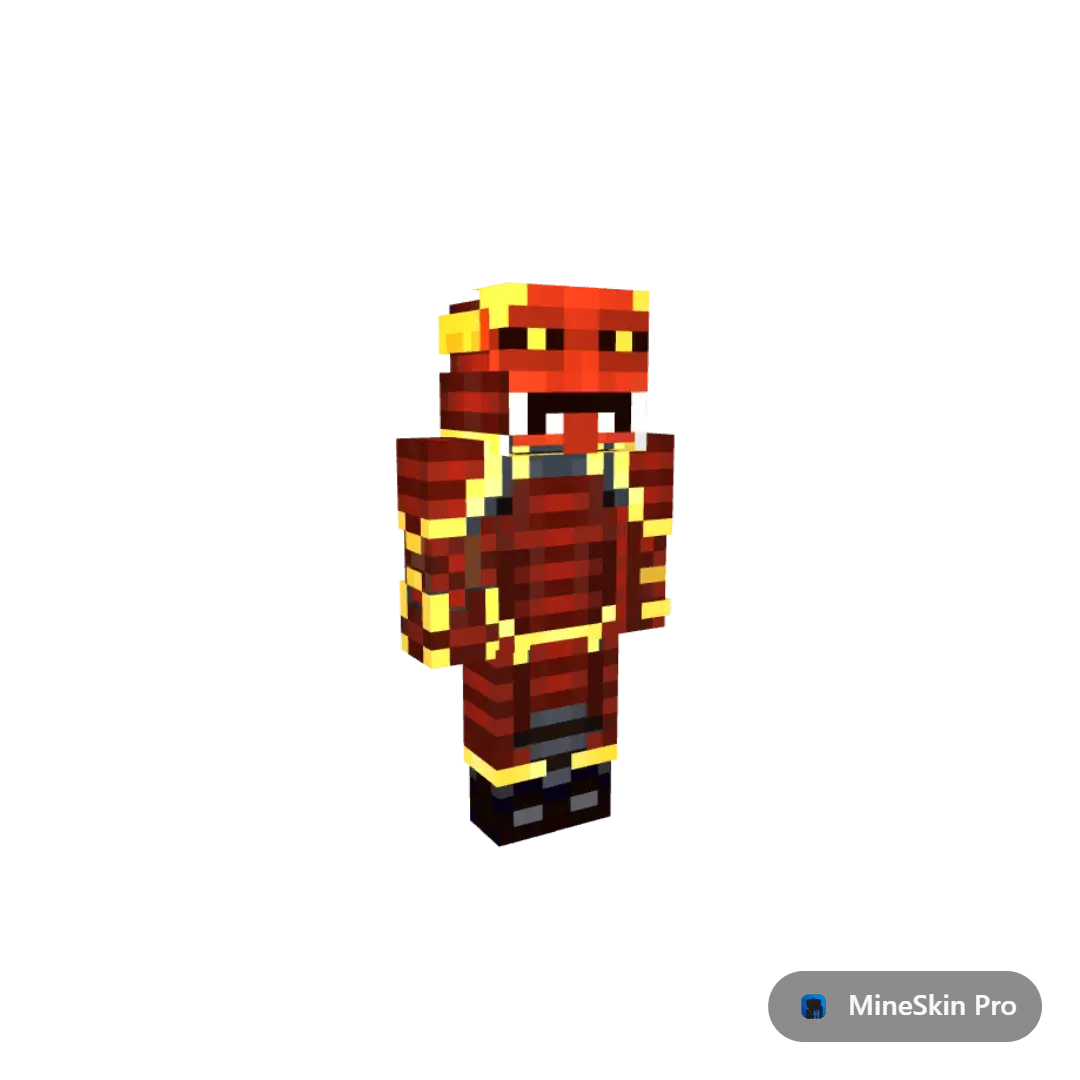
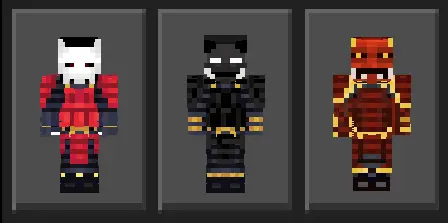
There is nothing funnier than a whole survival squad rolling up to a woodland mansion raid looking like a highly coordinated shogun army. Because these Minecraft Bedrock samurai skins are fully optimized, nobody on your server is going to drop frames when you load into the chunk. It functions flawlessly as a standard MCPE warrior skin pack, meaning you just hit download and every single fighter instantly syncs to your client without any annoying third-party apps or weird folder digging.
If you are tired of getting roasted in faction lobbies for having absolutely terrible drip, grab these custom Bedrock character skins, load up your favorite server, and go show them some actual blade skills.
Quick guide: How to install this Minecraft skinpack
Downloaded the .mcpack file? Here is exactly how to get it into your game depending on what device you are using right now.
- On Windows or Android: Just click or tap the downloaded file twice. Minecraft will open up on its own and load the skins immediately.
- On iPhone or iPad: Save the file, open your Files app, and hold your finger on it. Hit Share, select Minecraft from the list, and the game will handle the rest.
To put the skins on, just open Minecraft, head over to the Dressing Room (Profile), click on Classic Skins on the left, find this pack under Owned, and tap Equip.
Comments (0)