Pain skin pack
- 19-08-2026, 11:05
- 288
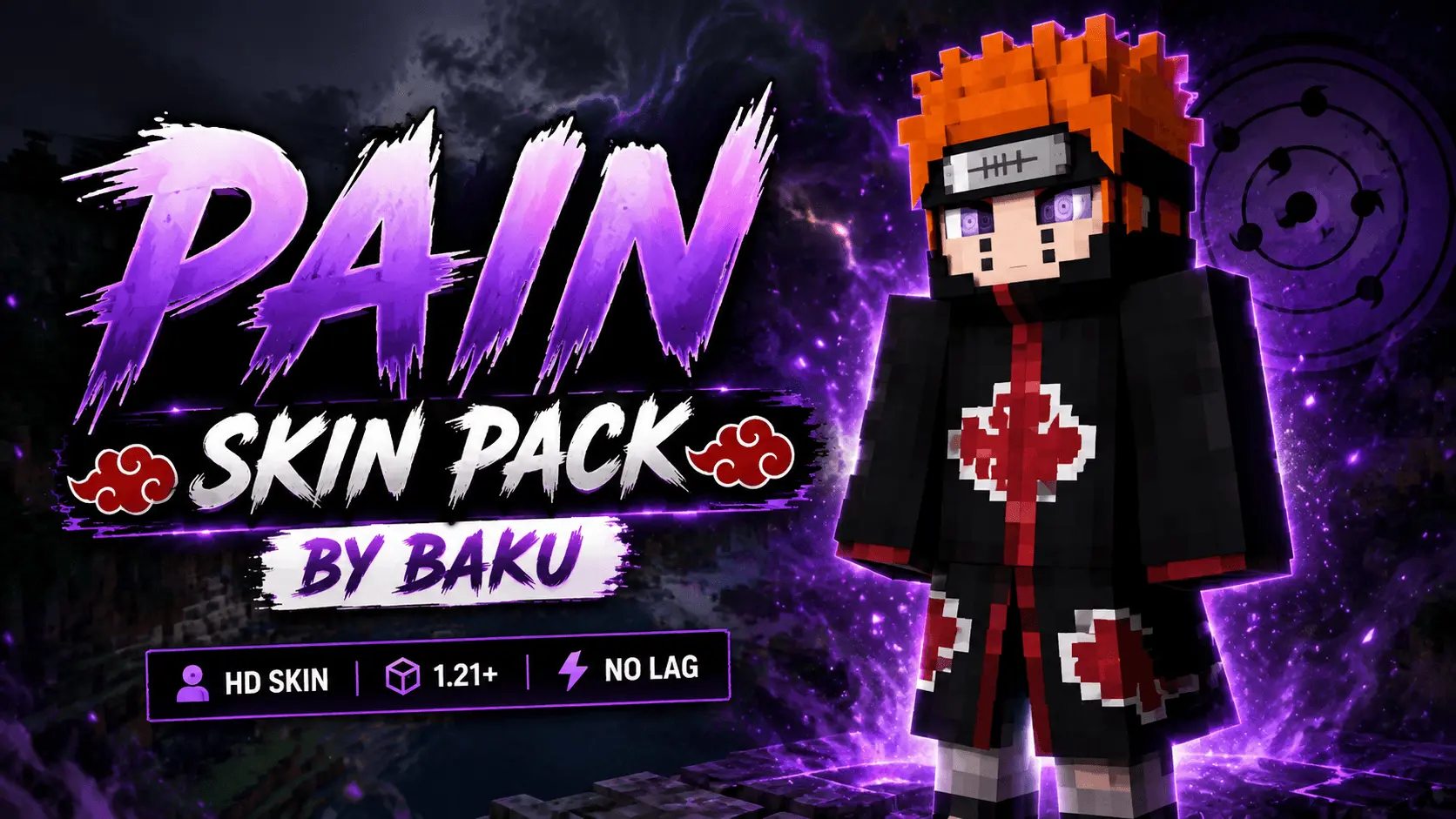
Channel the power of the Six Paths and bring divine retribution to your world with the Pain Skin Pack. It instantly equips your avatar with that iconic Akatsuki rogue ninja energy for your next multiplayer run.
Let’s be honest, flying across the map or dropping into a sweaty PvP match just hits differently when you look like an unstoppable anime antagonist. Whether you are invading an enemy clan's base on a competitive faction server or just chilling with friends on an anime roleplay realm, this outfit immediately puts everyone on notice that you mean business.
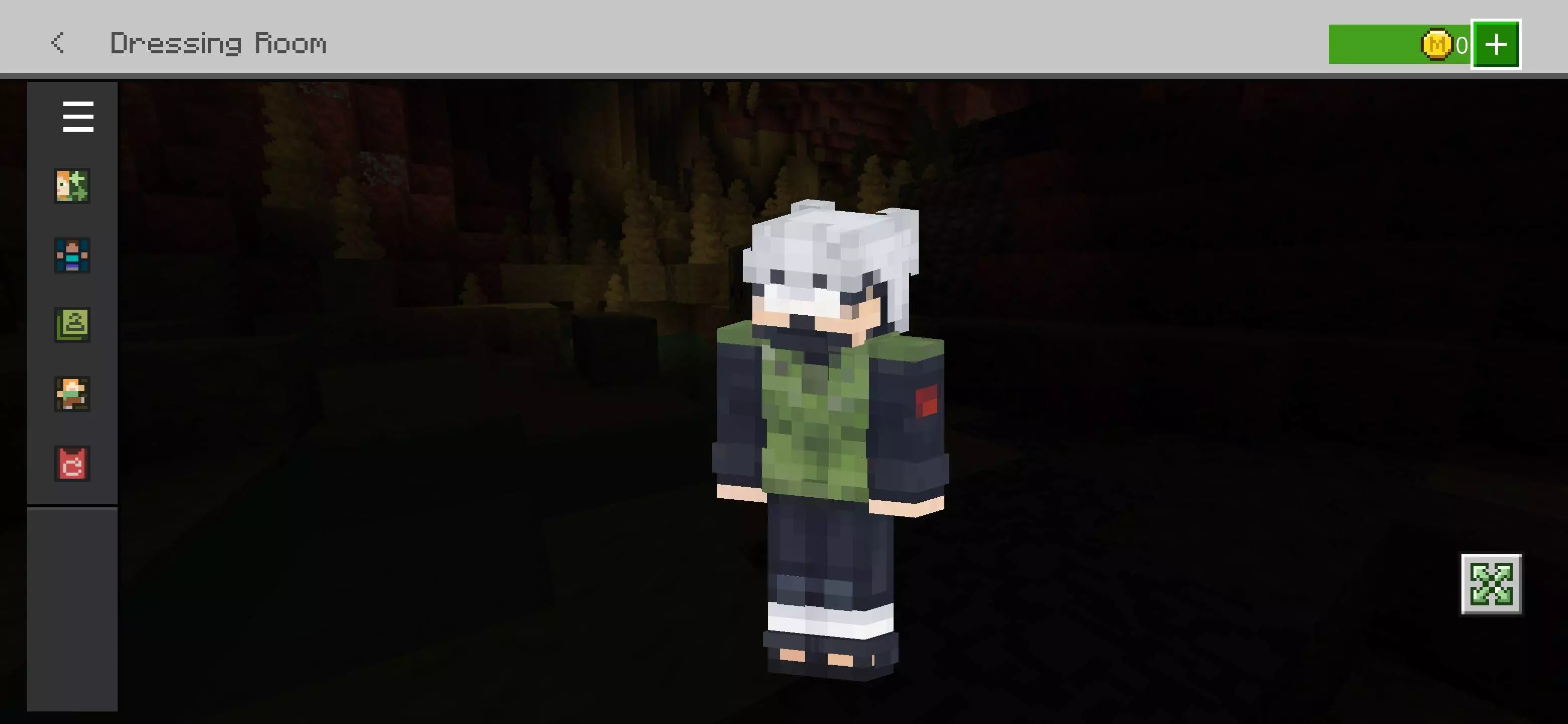
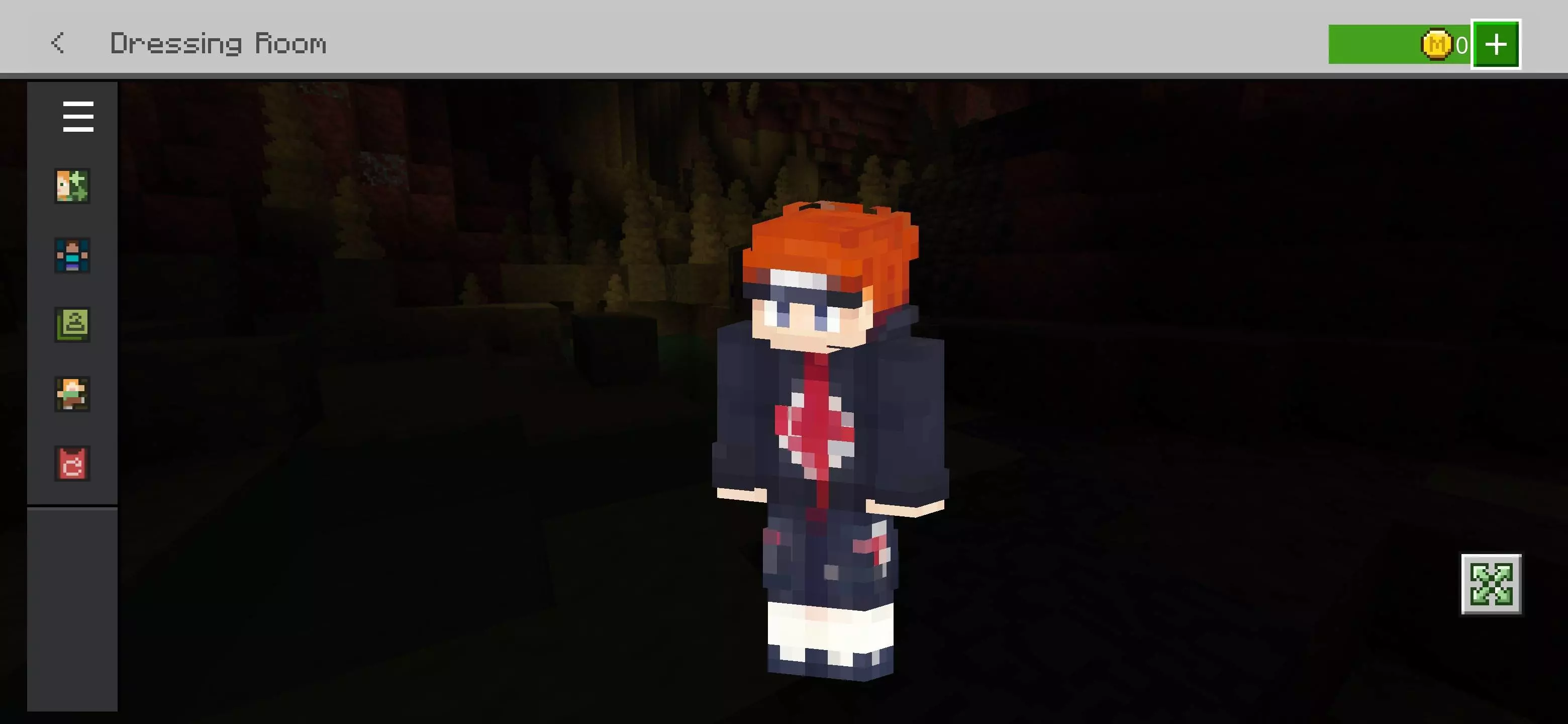
A lot of fan-made character cosmetics suffer from cluttered, overly dark shading that turns into a blurry mess the second you step into dimly lit caves. Fortunately, this model features crisp, high-contrast pixel art that stays sharp whether you play in first-person view or zoom out for screenshots. It keeps a clean silhouette without annoying extra geometry getting in the way of your crosshair during high-stakes fights.
Stop settling for bland default avatars when you can rule your lobby with true ninja supremacy. This release is easily one of the sharpest additions for your Minecraft Bedrock skin pack collection. Download this MCPE anime skin today, suit up in your new custom Minecraft PvP skin, and let the entire server finally know true pain.
Quick guide: How to install this Minecraft skinpack
Downloaded the .mcpack file? Here is exactly how to get it into your game depending on what device you are using right now.
- On Windows or Android: Just click or tap the downloaded file twice. Minecraft will open up on its own and load the skins immediately.
- On iPhone or iPad: Save the file, open your Files app, and hold your finger on it. Hit Share, select Minecraft from the list, and the game will handle the rest.
To put the skins on, just open Minecraft, head over to the Dressing Room (Profile), click on Classic Skins on the left, find this pack under Owned, and tap Equip.
Comments (0)