Naruto Characters SkinPack
- 20-08-2026, 02:10
- 469
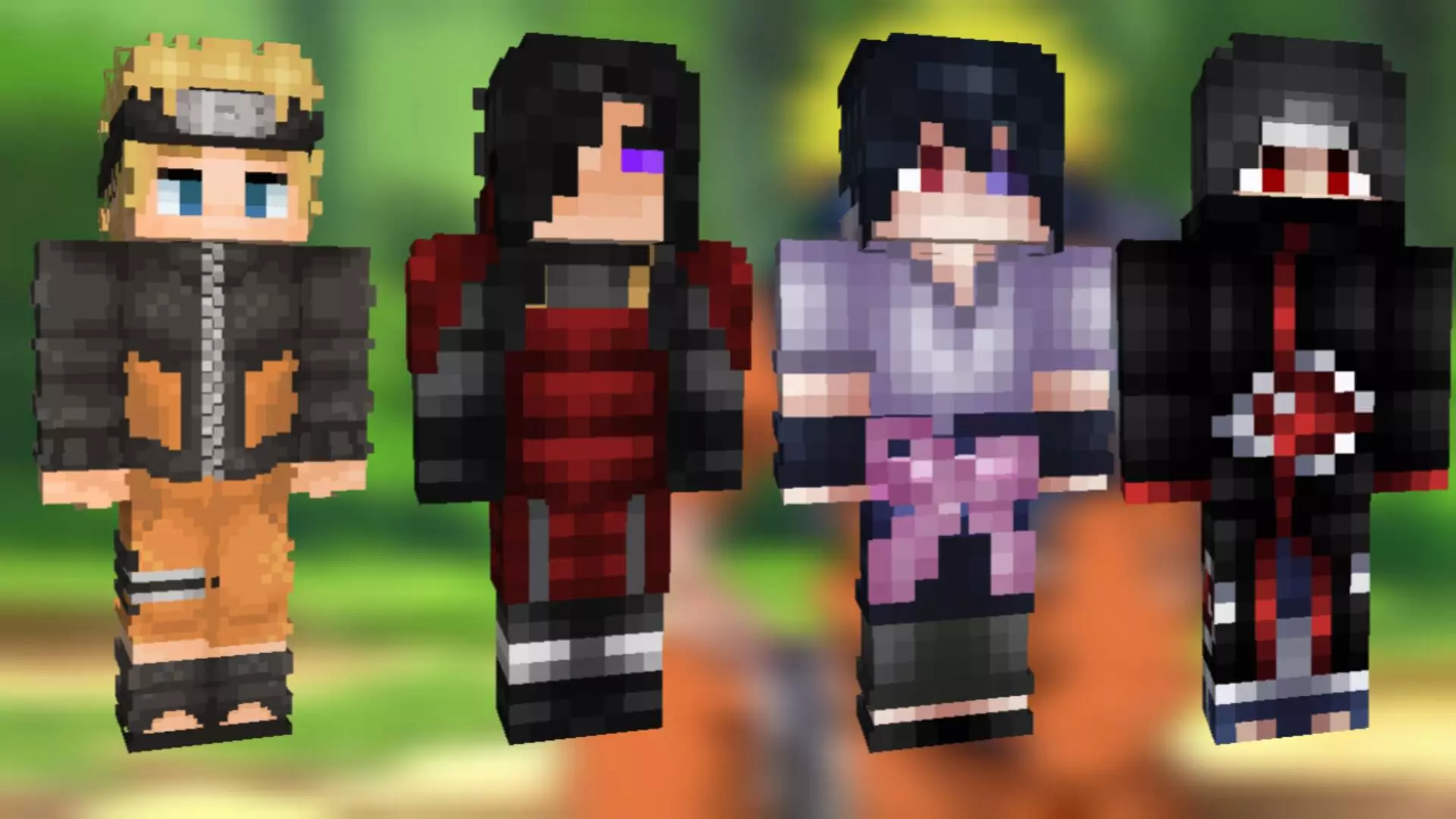
Grab the squad and bring the Hidden Leaf Village straight to your server with this four-piece Naruto skin pack. It features all the heavy hitters you need to completely transform your next multiplayer grind into a massive anime crossover.
Instead of just running around as another generic Steve, you can actually coordinate with your friends and assemble Team 7. You get highly detailed models for Naruto, Sasuke, Sakura, and even Itachi if you're feeling like going rogue. Jumping into a fresh SMP or starting a massive faction war just hits completely different when your whole crew is rocking iconic shinobi gear. It totally changes the dynamic of your roleplay sessions, making basic tasks like building a massive base or raiding a woodland mansion feel like a straight-up anime arc.
The pixel work across this collection is incredibly solid, perfectly adapting those classic outfits without making the textures look muddy. You aren't getting overly complicated 3D geometry that blocks your screen; it is a clean, classic block style that keeps your FOV totally clear for intense PvP fights. Finding a reliable Minecraft Bedrock skin pack with this level of polish is a massive win for fans of the show. If you want to stop blending in and seriously upgrade your character roster, grab these Minecraft anime skins today. Download this MCPE custom skin bundle, lock in your favorite ninja, and show the lobby who really runs the server.
Quick guide: How to install this Minecraft skinpack
Downloaded the .mcpack file? Here is exactly how to get it into your game depending on what device you are using right now.
- On Windows or Android: Just click or tap the downloaded file twice. Minecraft will open up on its own and load the skins immediately.
- On iPhone or iPad: Save the file, open your Files app, and hold your finger on it. Hit Share, select Minecraft from the list, and the game will handle the rest.
To put the skins on, just open Minecraft, head over to the Dressing Room (Profile), click on Classic Skins on the left, find this pack under Owned, and tap Equip.
Comments (0)