Dream vs DrDonut Skin Pack
- 20-08-2026, 04:31
- 422

Pick your corner and get ready to sweat. The Dream vs DrDonut pack drops you straight into a massive green-versus-orange rivalry, giving you the perfect battle-ready aesthetic for your next server wipe.
Faction wars and SMP grudges are what keep this game alive, and nothing fuels the fire like repping your team colors. If your squad is setting up a massive base or getting ready to raid an enemy claim, you need outfits that actually project some competitive energy. You get to choose between Dream’s iconic bright green aesthetic or DrDonut’s loud, aggressive orange. Throwing on one of these fits instantly tells the rest of the lobby that you aren't just logging in to mine dirt—you came to fight.
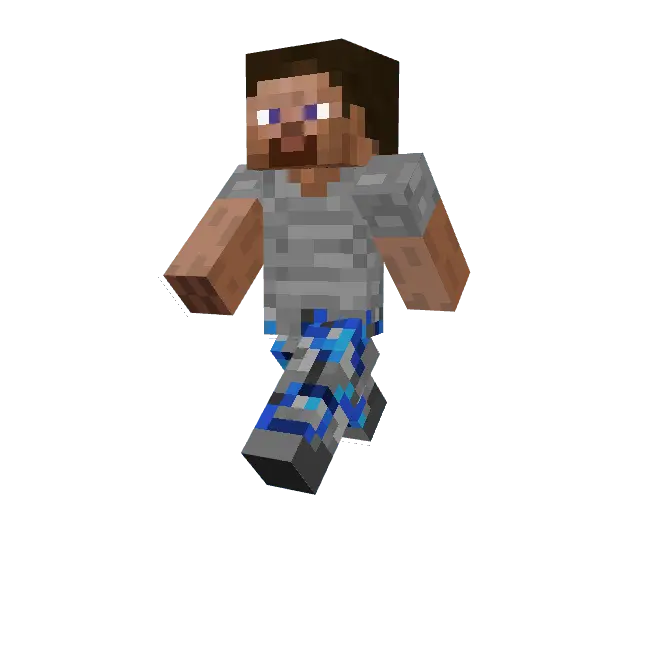
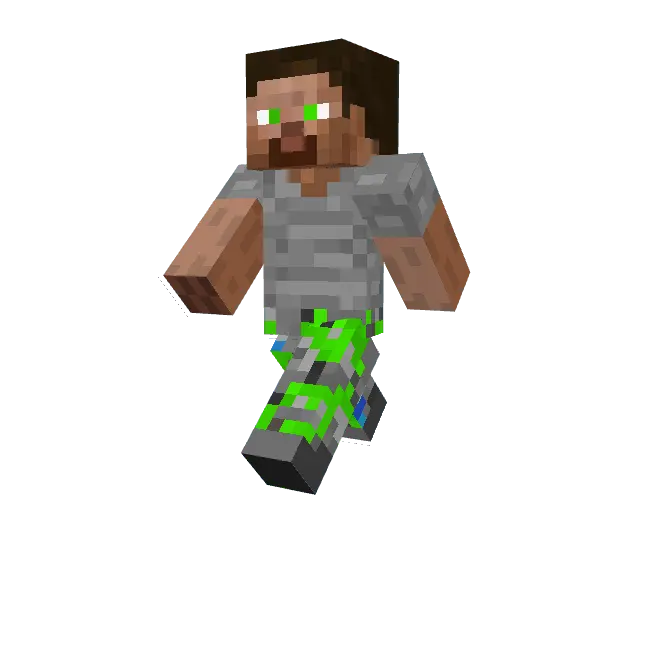

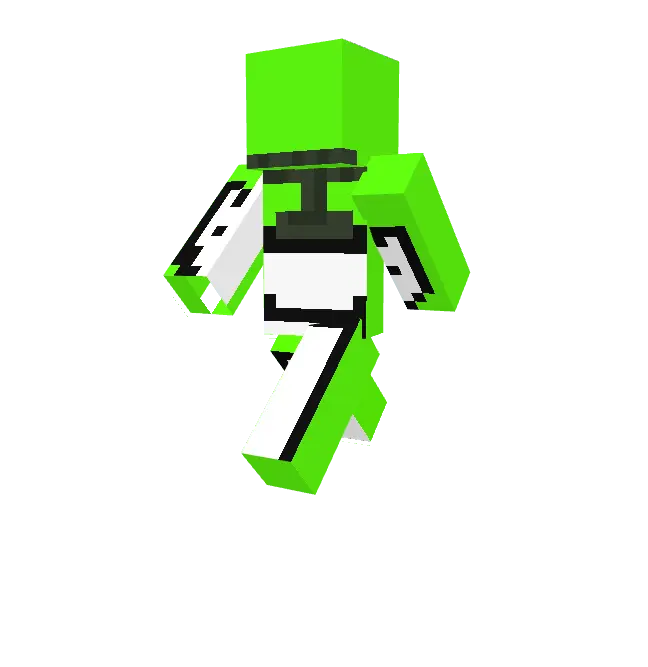
From a pure gameplay perspective, these designs are incredibly clean. When bridging over the void or locked in a crazy sword duel, nobody wants a cluttered character model ruining their visibility. The pixel art here stays flat and sharp, meaning your field of view stays wide open if you play in third-person. Plus, the high-contrast colors make it stupidly easy to track your teammates during a chaotic 4v4 brawl.
Scrolling through sketchy mod sites for a solid Minecraft PvP skin that actually looks good in-game is a massive waste of time. Pick a side and upgrade your locker with this top-tier Minecraft Bedrock skin pack. Grab these MCPE custom skins today, load into your realm, and start catching some massive Ws.
Quick guide: How to install this Minecraft skinpack
Downloaded the .mcpack file? Here is exactly how to get it into your game depending on what device you are using right now.
- On Windows or Android: Just click or tap the downloaded file twice. Minecraft will open up on its own and load the skins immediately.
- On iPhone or iPad: Save the file, open your Files app, and hold your finger on it. Hit Share, select Minecraft from the list, and the game will handle the rest.
To put the skins on, just open Minecraft, head over to the Dressing Room (Profile), click on Classic Skins on the left, find this pack under Owned, and tap Equip.
Comments (0)