Minecraft Addons / Mods » Page 191
Log in
Close

Categories:

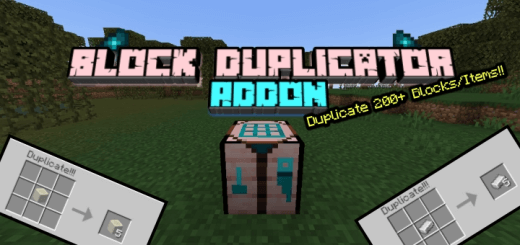
Block Duplicator Addon

Mods 1.26 / Mods 1.21 / Mods 1.20 / Mods 1.19 / Mods 1.18 / Mods 1.17 / Mods 1.16


Block Duplicator Addon will allow you to duplicate resources and blocks and other lovely things. Easy and fast way to get blocks. You’re halfway through building a house when you run out of stone bricks. There’s still a roof to finish, the walls need another layer, and the nearest good supply of stone is a long walk away. Block Duplicator offers a way around that problem. It adds a special table that lets you turn supported blocks and items into larger quantities, so you can spend less time gathering the same materials and more time using them. The addon works with more than just building blocks: resources, food and various other items can be duplicated too.

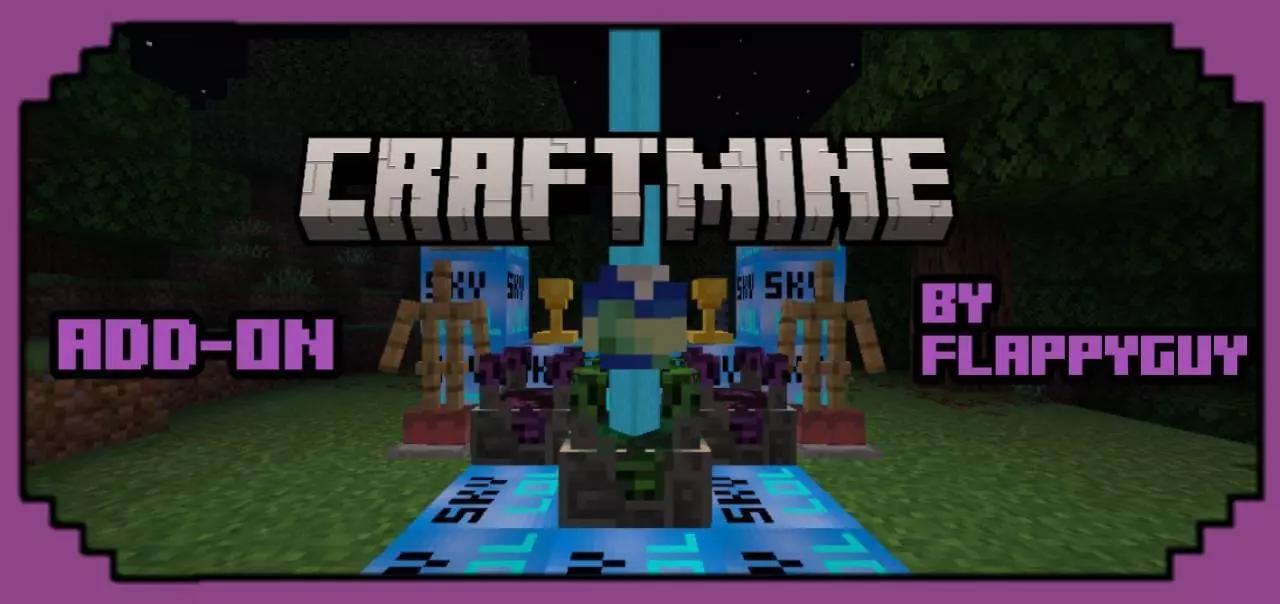
Craftmine Mod/Addon

Mods 1.26 / Mods 1.21


Craftmine Addon new blocks, ores, trophies and items in Minecraft. Craftmine brings a handful of unusual blocks and items inspired by Minecraft’s April Fools’ experience into your Bedrock world. If you’ve seen pictures of the strange machines and wondered how they would look in your own base, this addon gives you a chance to build with them. Its additions range from decorative blocks and a trophy to a pair of boots with useful movement effects. There’s also a new look for the ghast, so your next visit to the Nether may be greeted by an even angrier face than usual. The addon is a collection of themed elements to play around with, whether you want to add a few curiosities to an existing world or create a whole room around them.

Legacy Plus Revival Mod / Addon

Mods 1.26 / Mods 1.21


Legacy Plus Revival Addon returns cut mobs, biomes, worlds, items, blocks and many interesting things from old versions of Minecraft. Remember the almost impossibly green grass from early Minecraft? Legacy Plus Revival brings that look back and surrounds it with plenty of other things to discover. You can explore forests inspired by the game’s early days, come across old-fashioned structures, meet different takes on familiar mobs and make equipment from materials such as ruby. Some of these features are recreations rather than exact copies, but they capture the charm of a Minecraft world that feels a little different from the one you’re used to.

Bedrock Arduous Journey Modpack

Mods 1.26 / Mods 1.21


Bedrock Arduous Journey Modpack - download a large and interesting collection of mods with the best additions for an incredible experience in the Minecraft game. The first night in Bedrock Arduous Journey can make you rethink how far you want to wander from home. The familiar rhythm of gathering wood, finding food, and putting up a shelter is still there, but the world around you has a darker fantasy feel. New creatures, hostile groups, dungeons, and bosses give you more to watch for as you explore. A distant structure might turn out to be worth investigating, or it might be a good reason to come back with better equipment. The pack is built for players who enjoy survival as a longer adventure: you can spend one day preparing supplies, another searching for a new place to settle, and the next trying to recover your belongings after an encounter went badly. Taking your time early on is a sensible choice, especially when you’re still learning which unfamiliar creatures are dangerous.

Wrenches Mod / Addon

Mods 1.26 / Mods 1.21


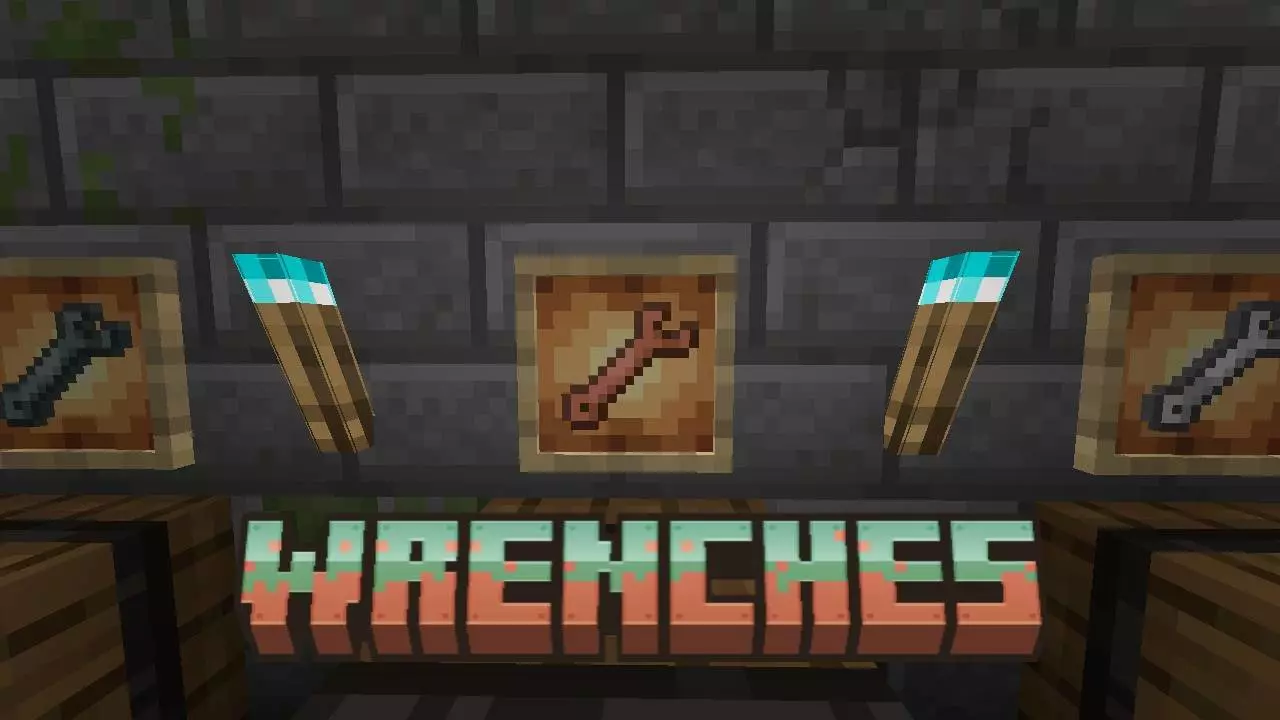
Wrenches Addon is a useful tool that will allow you to rotate installed blocks, repair and fix them. You’ve placed a block, stepped back to check your work and noticed that it’s facing the wrong way. Usually, fixing that means breaking it and trying again, sometimes more than once. Wrenches adds a set of tools that can help you adjust blocks after they’ve been placed. It’s a useful addition for anyone who spends time building in Minecraft, especially when working in a cramped space where getting into the right position can be awkward.

Take a Seat Addon

Mods 1.26 / Mods 1.21


Take a Seat (Sit on stairs, slabs and more) Addon to sit Steve in Minecraft. You can spend hours building a cozy Minecraft house, complete with a fireplace, a dining table, and chairs made from stairs. Then you invite a friend inside and both of you end up standing beside the furniture. Take A Seat gives those chairs a purpose: it lets your character sit on stairs, slabs, and logs. The addon works with blocks you may already have in your world, so a bench outside your front door or a chair beside your bed can become a place to sit. It’s a modest addition, but one that makes the quiet moments between mining trips and building projects feel a little more natural. Sometimes you just want to return home, sit by the window, and look at what you’ve built.
Navigation