Fashion PVP Players – Skin Pack
- 6-06-2026, 02:16
- 237
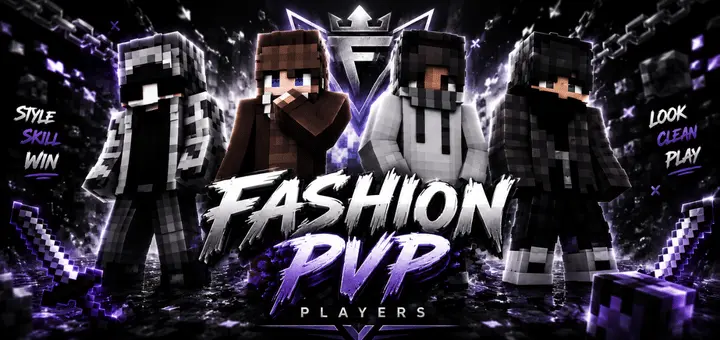
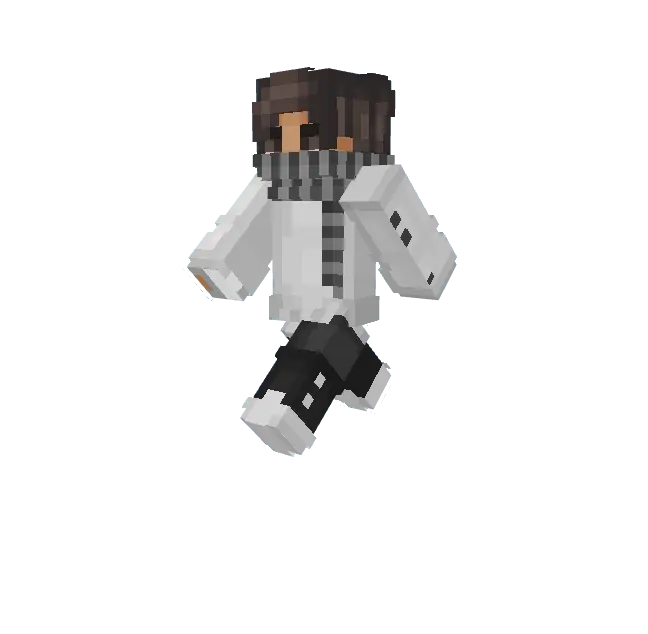
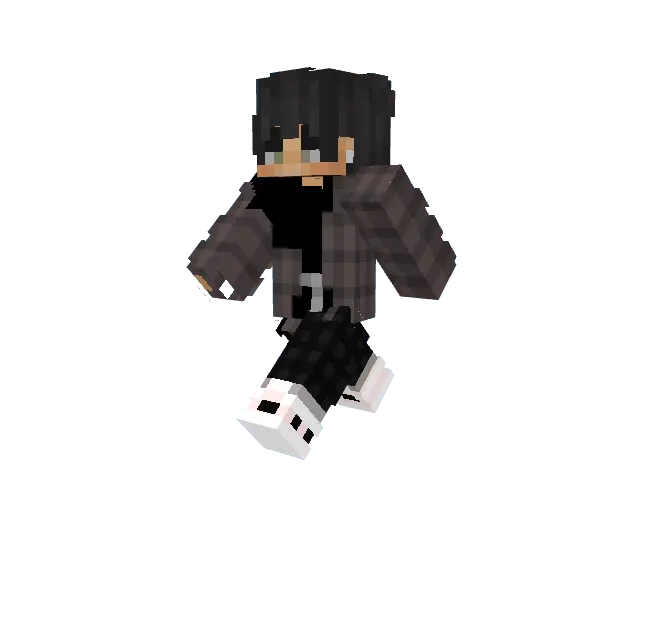
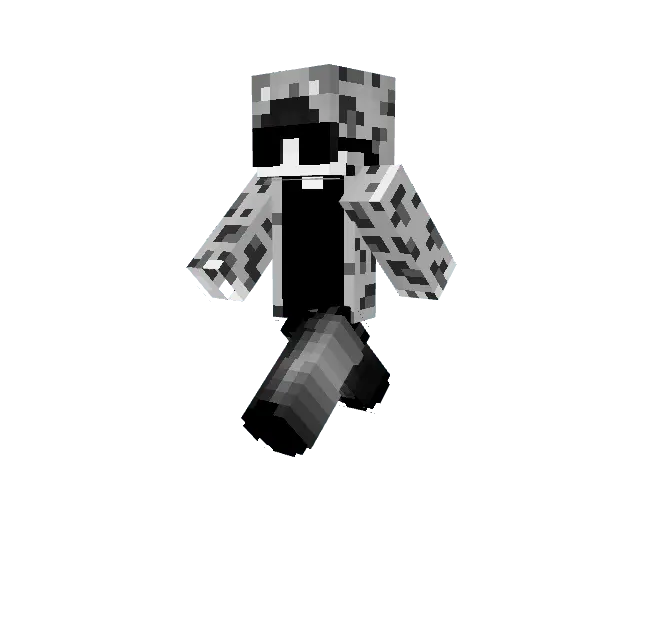
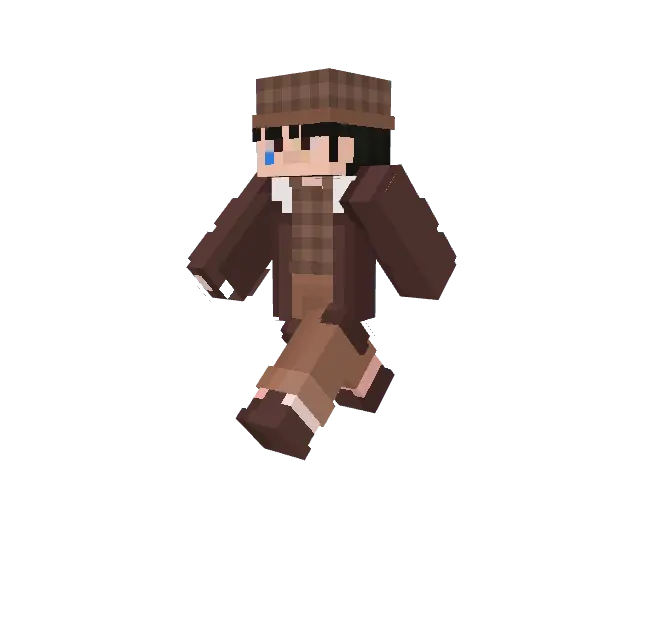
Fashion PVP Players Minecraft skins set for PVP mode, these skins are suitable for players who want to look stylish in PVP battles.
How to Install Skins in Minecraft Bedrock
- Download a .png skin (64×64 or 128×128).
- Open Minecraft Bedrock.
- Go to Profile (hanger icon) → Edit Character.
- Tap Owned → Import → Choose New Skin.
- Select your .png file.
- Pick a model: Classic (Steve) or Slim (Alex).
- Confirm to equip and play.
Comments (0)